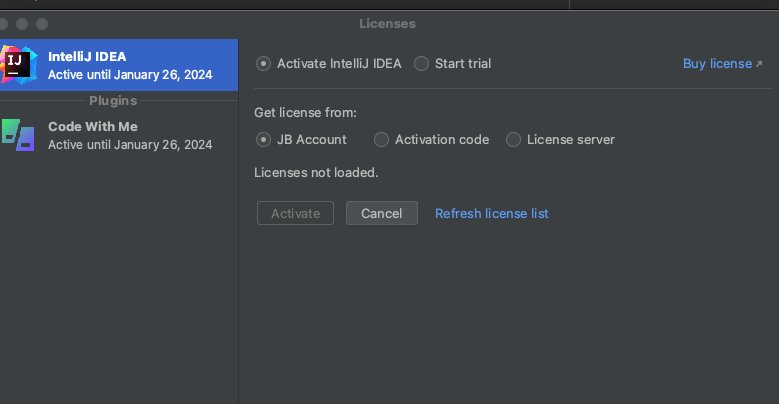
inteilij license change failed.
Answered

›
already use license i don't need for me.
how can license change??
i ca't see account box and pw box ...
Please sign in to leave a comment.
It seems you are already logged in to your JB Account. Try pressing the Refresh license list link.
If that doesn't help, in the lower left corner you should be able to click on your user name > log out.
Then you will be able to log in again by clicking on the Log in.. link, or on Log in to JetBrains Account.. button:
It will automatically open the sign-in page in your browser. After signing in with your JetBrains account, it should automatically connect and show the license information in IntelliJ IDEA. To check your licenses, you can also go to https://account.jetbrains.com/licenses.