How do I remove space left after hiding toolbar in TODO (or any other) panel?

I want to have a minimal list of TODOs for the current file. How do I remove the toolbar area? If I uncheck Show Toolbar only buttons are hidden. Can I enable word wrapping on the todo text?
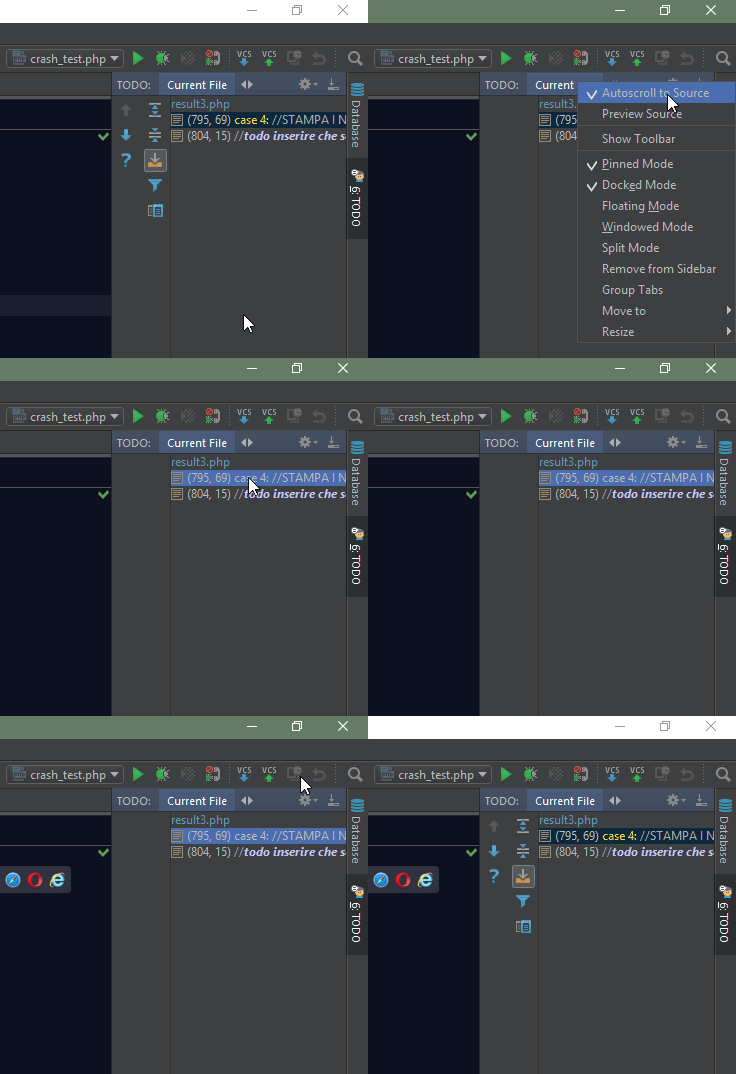
Example GIF of the obnoxious leftover space I want to remove:
Please sign in to leave a comment.