PythonIntroduction will not load properly in PyCharm Edu
Answered

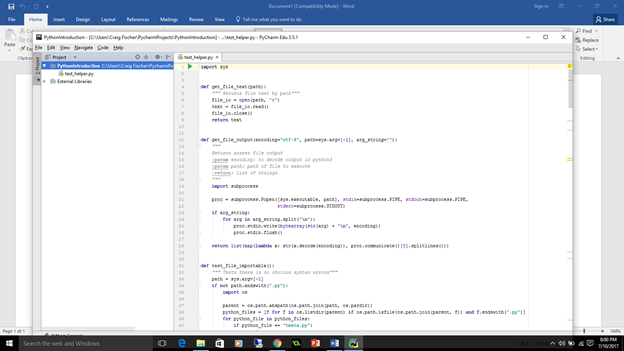
I have installed pycharm edu on a laptop with Windows 10. The PythonIntroduction is not loading properly. Here is a screen shot of what it is doing.
Please sign in to leave a comment.
Please, close Pycharm, go to C:\Users\Your_Username\PyCharmProjects and remove PythonIntroduction folder. Then launch Pycharm and go to File| New Project| Educational| Select "Introduction to python" from "Courses" dropdown| Create. Does it help?