Post css support

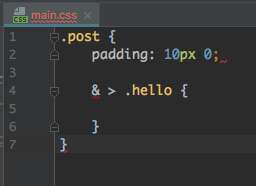
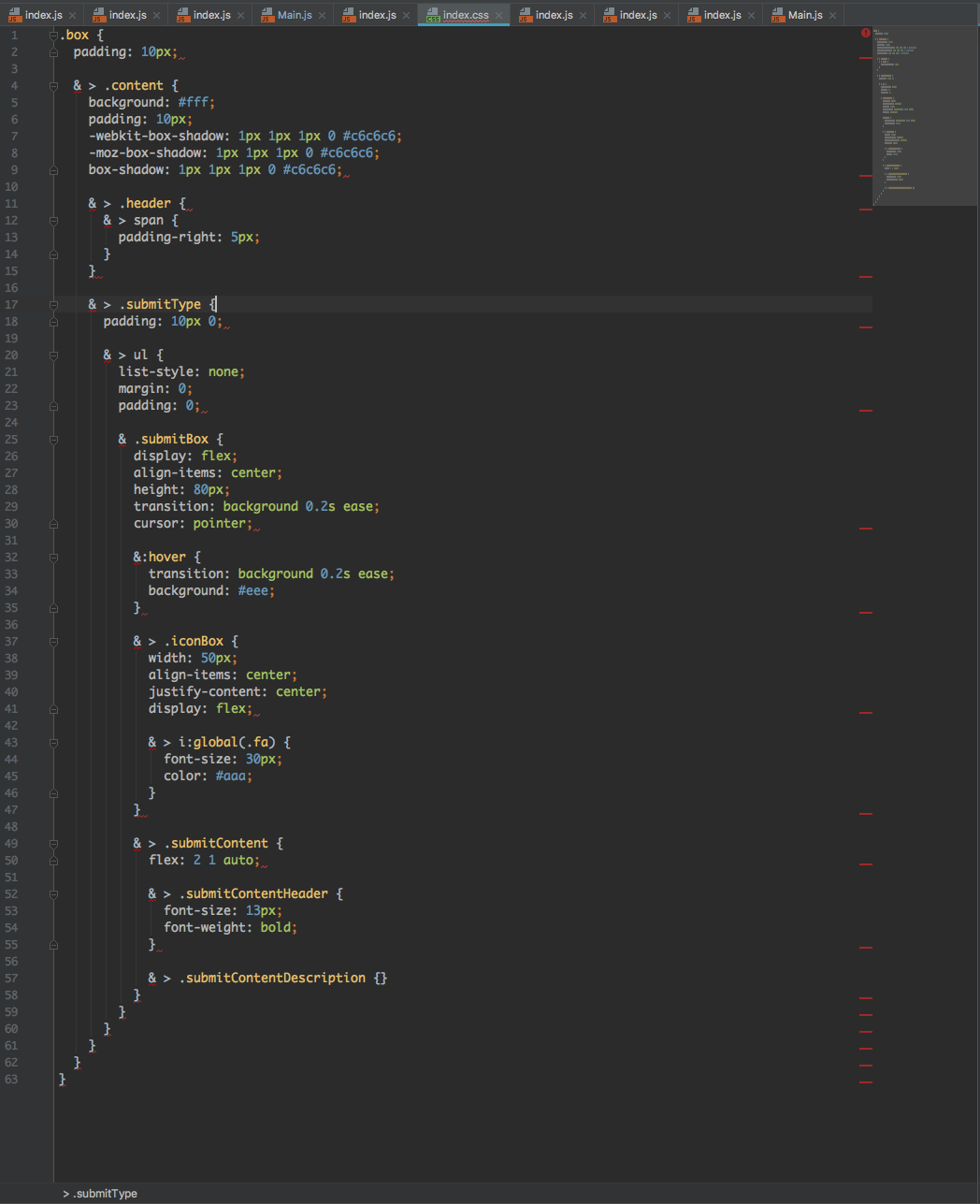
After I updated 2017.2, postcss syntax highlighting is not activated.
Jetbrain's postcss plugin is installed and webpack compile working correct.
Before 2017.2, in Preferences > Editor > File Types , file type pcss is removed.
Postcss plugin is deactivated now??
How can I get more information about it?
Please sign in to leave a comment.
In Settings | Languages & Frameworks | Stylesheets | Dialects, make sure to set Project CSS Dialect to PostCSS
See https://www.jetbrains.com/help/webstorm/2017.2/dialects.html
Great! It works. Thanks for fast comment! But I couldn't find the instruction any where except that link.
Same problem! But there's no Dialects in my Webstorm! What should I do?
Webstorm: 2017.2.5
Mac OS: 10.12.6
it's definitely there:
please make sure that PostCSS support plugin is installed and enabled in Preferences | Plugins;
if it's enabled, please provide your idea.log (https://intellij-support.jetbrains.com/hc/en-us/articles/207241085-Locating-IDE-log-files)
Problem fixed after I update PostCSS support plugin