Typescript's "Show import pop-up" setting doesn't appear

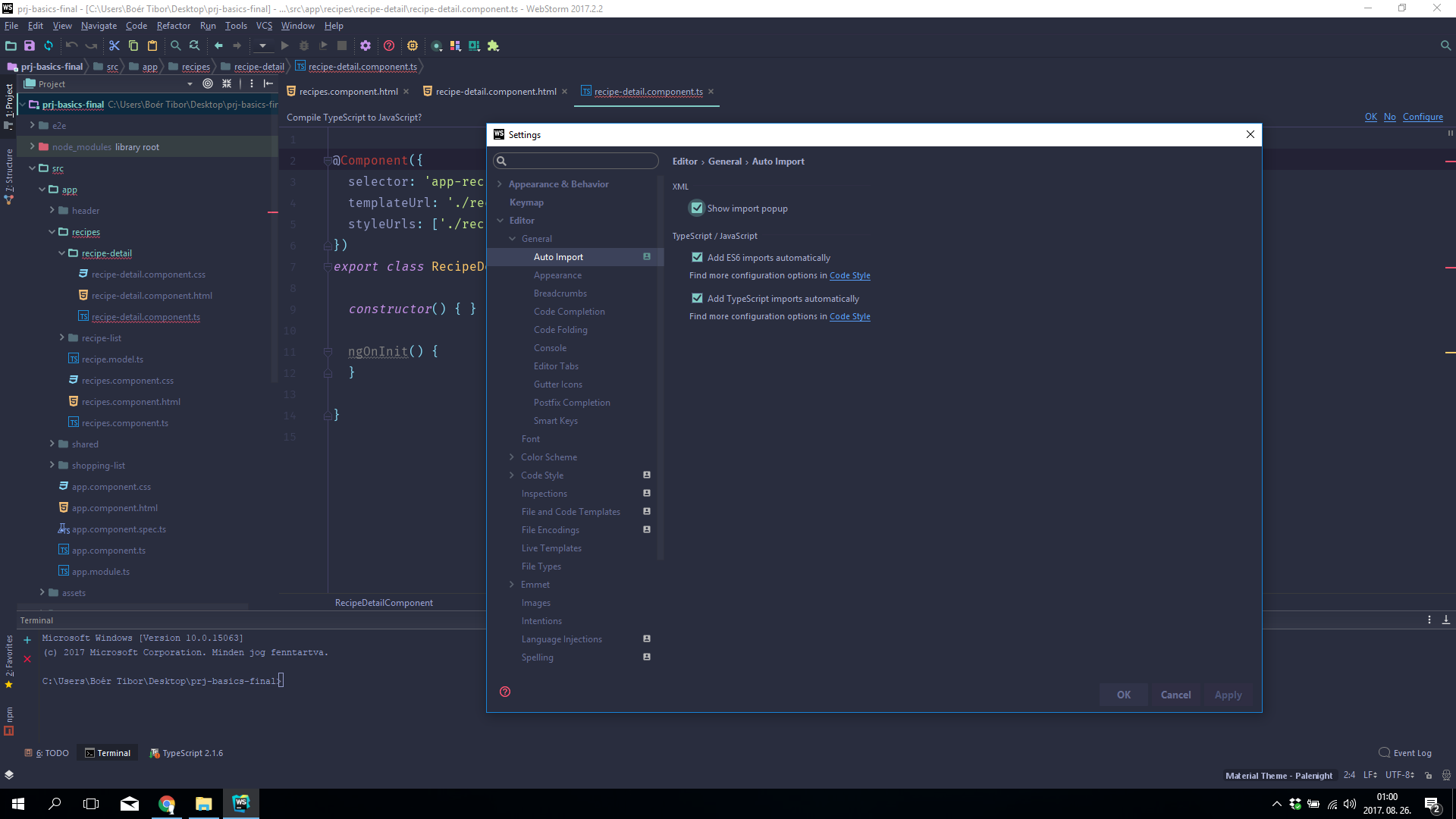
According to the documentation of WebStorm (here) in the Settings panel under the Editor > General > Auto Import page at the Typescript section there should be a "Show import pop-up" checkbox. There's no checkbox like this. Can I import the missing package by clicking on the pop-up, or do I have to press alt+enter anyway?
Please sign in to leave a comment.
There is no such checkbox, you need using Add TypeScript imports automatically instead: as it's described in https://www.jetbrains.com/help/webstorm/auto-import.html, popup is shown when this option is off