Pycharm can not resolve packages in anaconda, but code runs fine
Answered

|
|
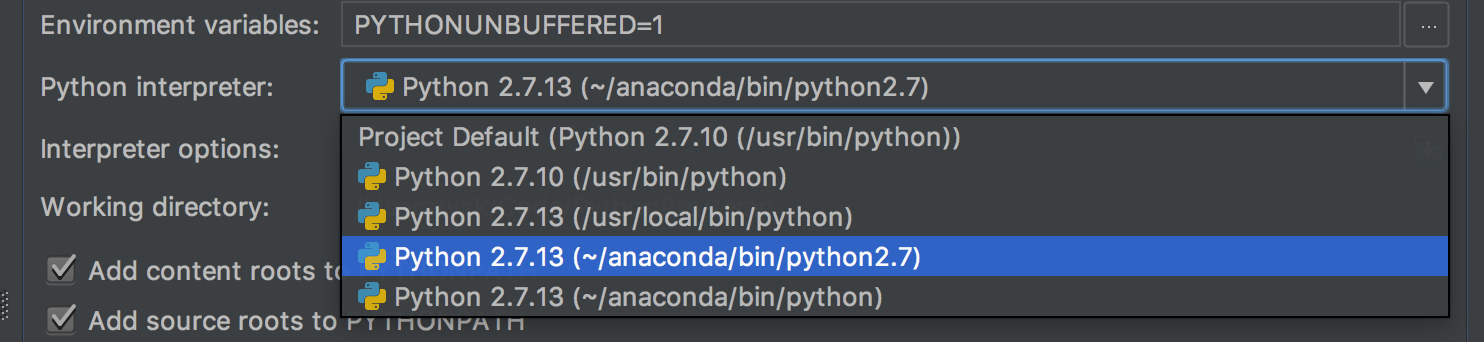
I'm reading python for data analysis. Now I have installed anaconda and pycharm on my Macbook Pro. I have also set interpreter in default settings and configurations with '~/anaconda/bin/python2.7'. I have wtitten the code: It works fine except that pycharm shows 'Unresolved reference pandas' and there is a red underline under pandas, DataFrame and Series. I have tried 'Invalidate Caches/Restart', but it doesn't work. Other packages in anaconda also can not be imported. When I import json, pycharm shows path '/System/Library/Frameworks/Python.f..'. I assume this is the problem. what should I do next?
|



Please sign in to leave a comment.
It's a duplicate, the solution is set interpreter in 'PyCharm| Preferences| Project| Project interpreter'.