Problem finding class name defined during custom language creation

Please understand that some words are not English because programming language development is implemented in Korean.
Basically, it was implemented in reference to https://plugins.jetbrains.com/docs/intellij/custom-language-support-tutorial.html, but it is not resolved in the 10 stage, but it's not resolved.
Seeing that there were several problems, I realized that I was missing something important.
Usually, it should be "Project Name > File Name > Class Name", but there is a problem that the file name is missing in the project I made.

Next, I found a problem where the structure shows nothing.
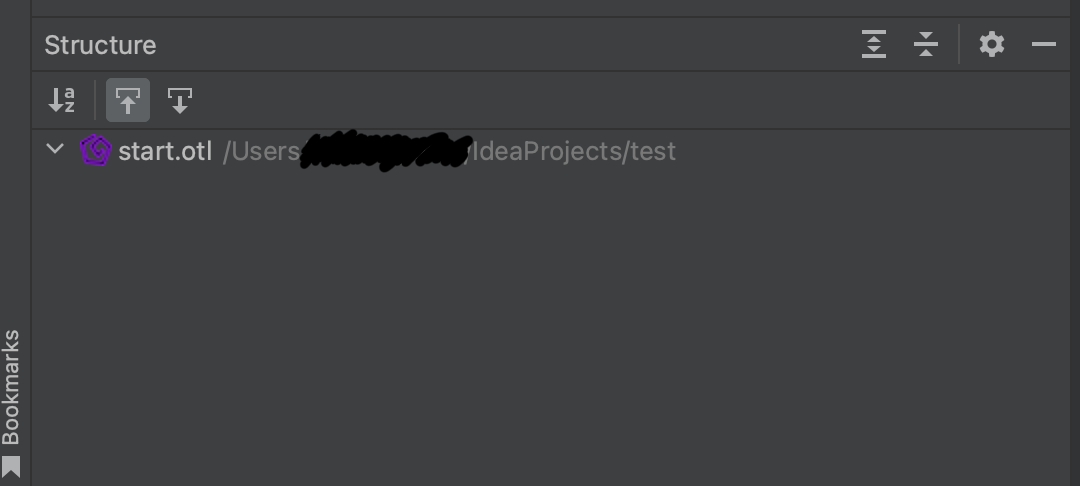
Finally, the most important part is that all the parts written with "name" are class names, but because they are recognized separately, there was a problem that the class could not be moved to the part used or defined code location, so I left a question like this.
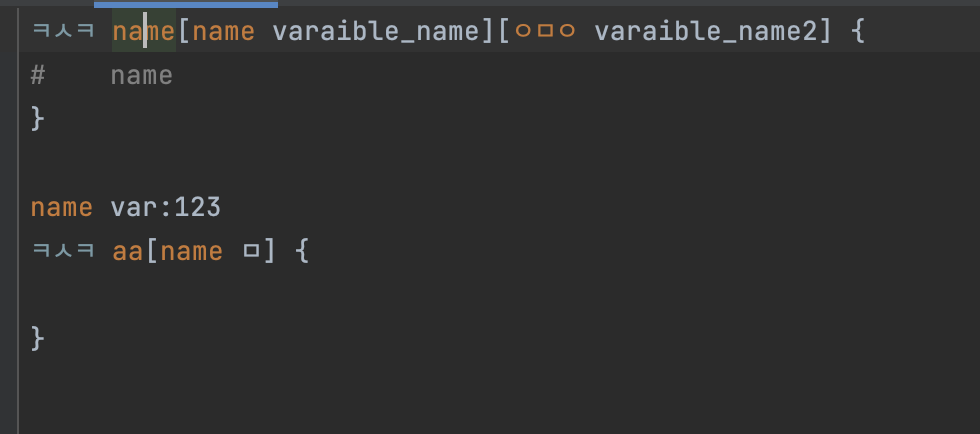
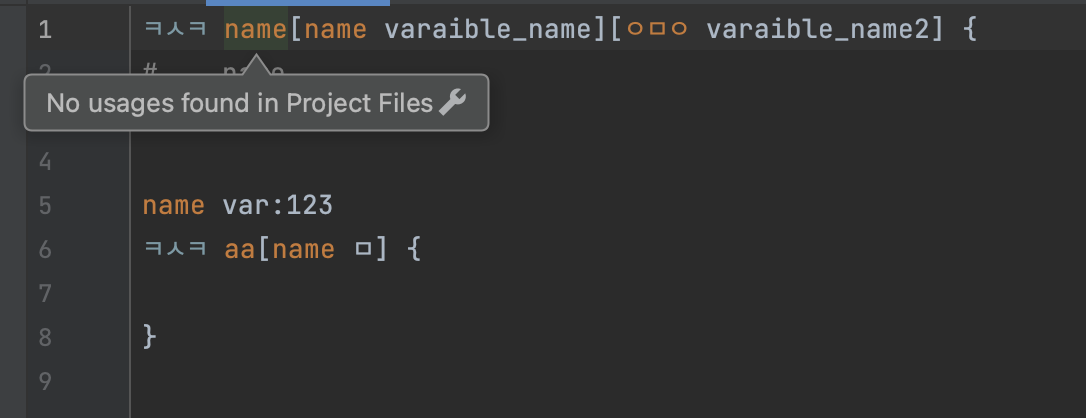
class define example
ㅋㅅㅋ <class name>[params] {
(...)
}
full code: https://github.com/PersesTitan/OTLanguage-parser
I'm still studying, so I don't understand a lot of things, so I'd appreciate it if you could help me a lot.
Please sign in to leave a comment.
Hi,
I don't understand the problem. Please prepare a test project that can be opened with your plugin and describe steps to reproduce the issue (with expected and actual behaviors).
Oh... I'm sorry. I didn't have enough explanation.
Like the following Java code the action I want is to implement the action of finding the name referenced as follows, but the action does not work in the code I made.
I was wondering if there was any code that I missed or misimplemented.
Hi,
It's hard to tell the reason by just checking the code. Please create and share a test project I can reproduce the issue (and provide the steps to reproduce it).