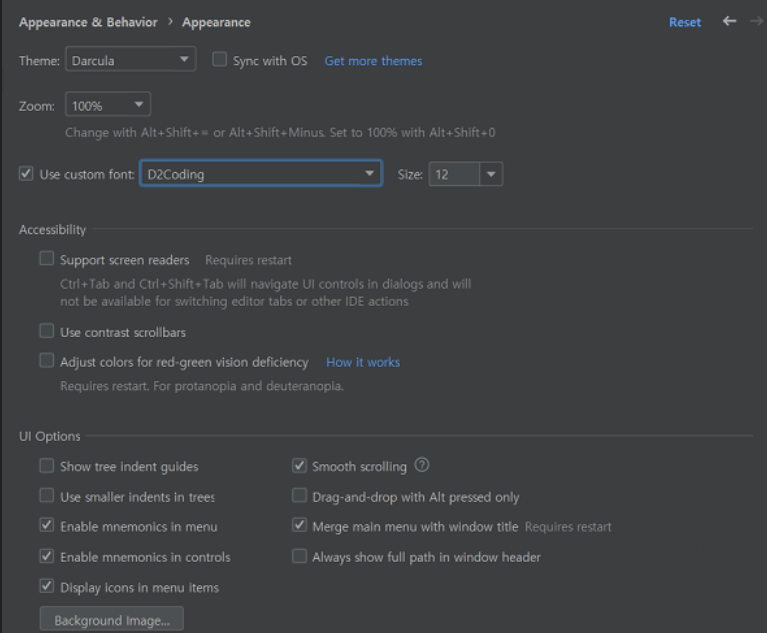
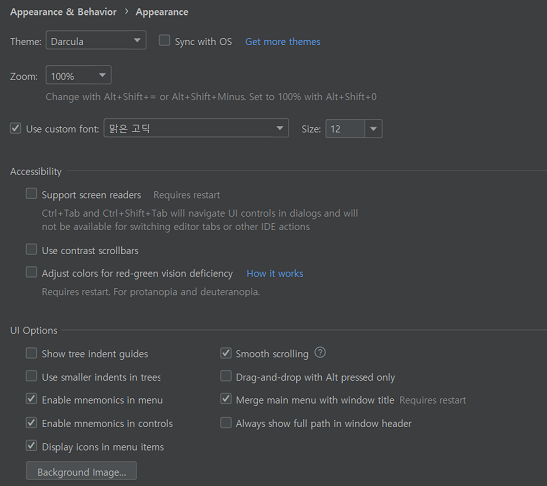
(font is blurry/not clear) update content
Answered

hi,
Upload additional information from the link below.
Please refer to the attached file.
- before link: https://intellij-support.jetbrains.com/hc/en-us/community/posts/12078274027922-font-is-blurry-not-clear-
- The font is blurry/not clear part was captured, but the captured file was displayed normally when viewed on another monitor, so it was not attached.
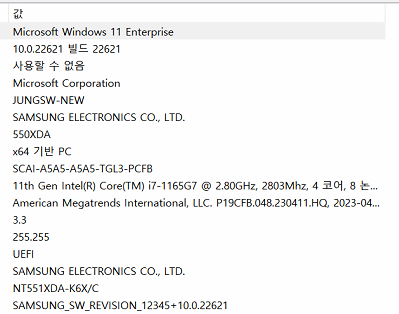
- etc infomation
: windows11, 22H2, 22621.1848
11th Gen Intel(R) i7
64GB
Intel(R) Iris(R) Xe Graphics, 30.0.100.9805
Monitor Resolution: 3840*2160 (4k)
New laptop OS: windows11 (integrated graphic card)
intellij ultimate version: latest version (23.06.19 update)
pic1.

pic3
Please sign in to leave a comment.
Please provide more information.
1. Do you have more than 1 monitor? If yes, then is the issue reproduced on the second monitor?
2. Please execute command "Show HiDpi info" and copy here the output (press in IDE `Shift + Shift`, then type "Show HiDpi info")
3. Do you see the same issue with "JetBrains Mono" UI font?
4. Please copy&paste info from your IDE "About" screen.