how can i synchroniz bookmarks/breakpoints/source layout structure from serveral places
Answered

hello
Currently working in several places (home / company, etc.),
I use git (sourcetree) to manage my source code.
With git, the source code is synchronized,
but Other environments (bookmarks/breakpoints/source layout structure) are not synchronized.
I want to synchronize the source layout structure/bookmarks/breakpoints,
Is it possible to solve it by using the function of IntelliJ?
Or, what is the file path that stores source layout structure/bookmark/breakpoint information?
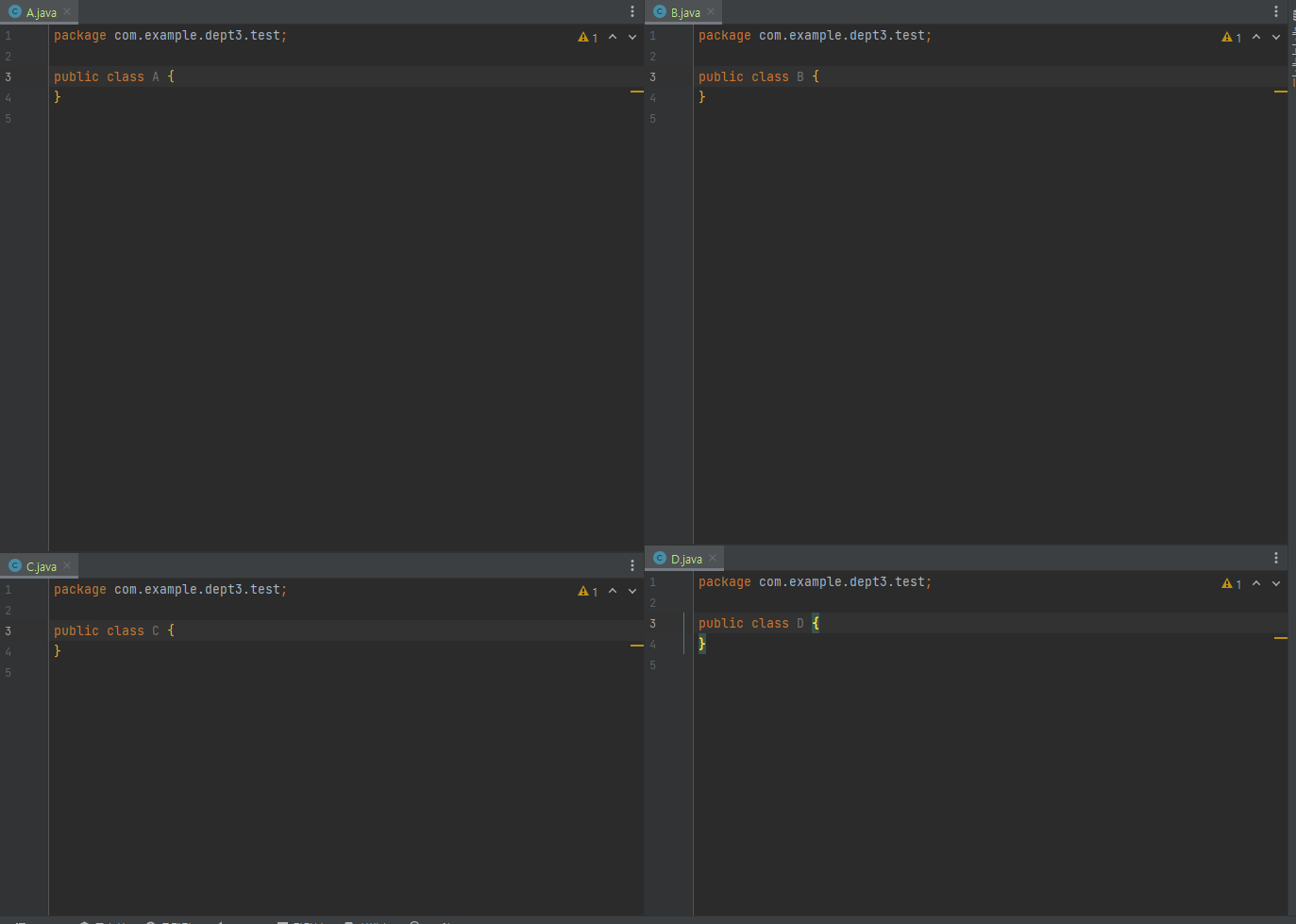
Source layout structure: A class at the top left, B class at the top right
C class is lower left, D class is lower right (refer pic)
Please sign in to leave a comment.
Hi,
You can use the bundled feature called Settings Sync, or an older plugin called Settings Repository.
Configuration files themselves are located in the IDE config directory. For instance, %APPDATA%\JetBrains\IntelliJIdea2023.2 on Windows.
Breakpoints are stored in the file called workspace.xml located in the project configuration folder (<project root>\.idea). The format is as follows:
Information about bookmarks and editor layout is stored in files called "<workspace-id>.xml". They reside inside the \workspace subdirectory, e.g. %APPDATA%\JetBrains\IntelliJIdea2023.2\workspace\ 1zyVTRwqZRdJ84Ylj4Ztg6A76dX.xml, and correspond to existing projects.
Bookmarks are stored in the following format:
Editor layout component looks like this: