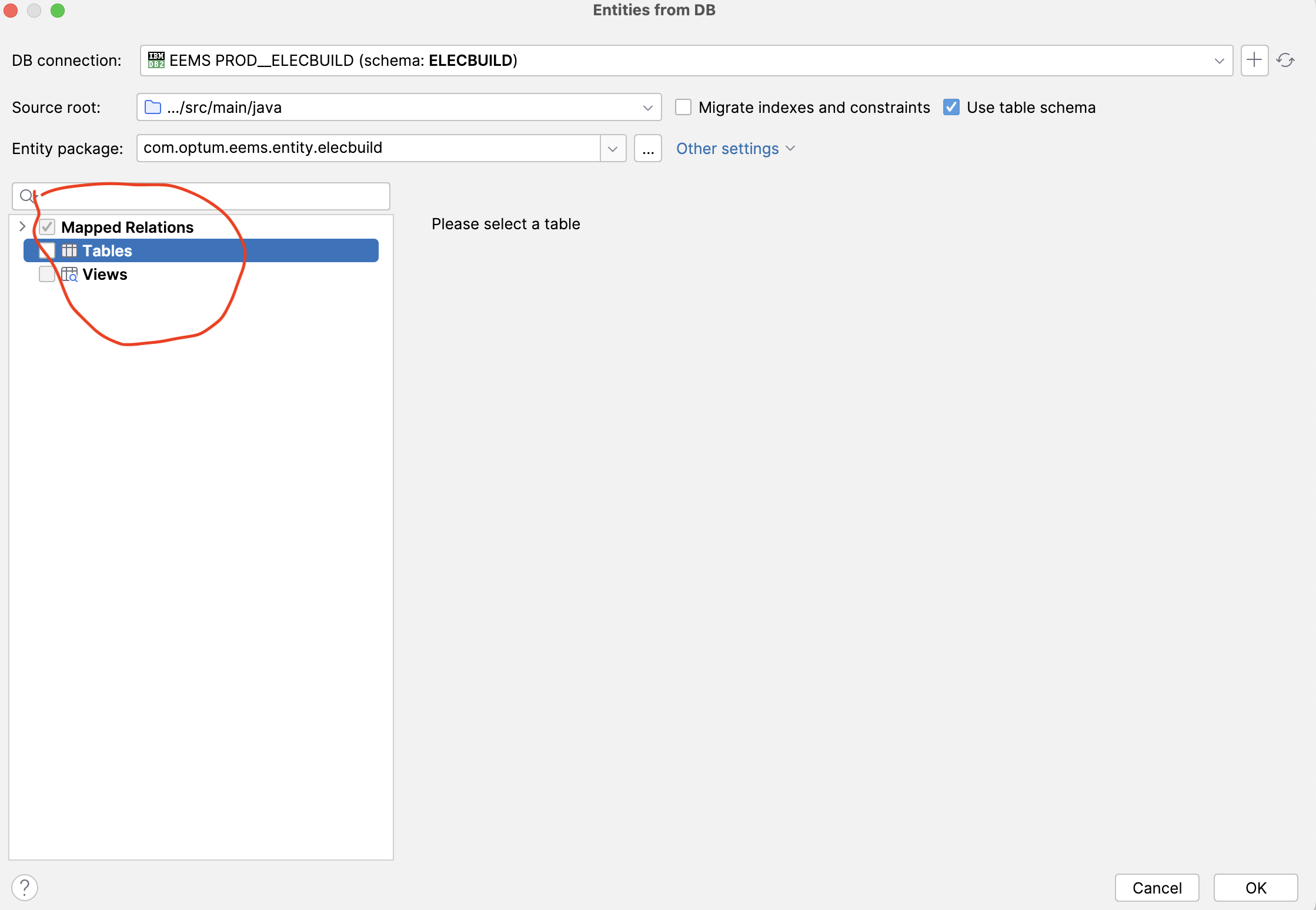
While using "JPA Entities DB" not able to see all tables to create entities classes.
Answered

While using "JPA Entities DB" not able to see all tables to create entities classes.
Step to create issue:
1. select option “JPA Entities DB” in Intellij Idea UE.
2. make connection to IBM DB2 DB.
3. Go to connection and select desired Schema
4. introspect schema
5. verify tables .
Issue: Not able to see table for selected schema to generate entities.
Please sign in to leave a comment.
Hi Radha. How do you invoke this dialog exactly?
Do you use the JPA Buddy plugin?