Source Code Pro Light font

I really want to use this font and have it working in Coda 2, Sublime Text 3, et al., but can't get the "Light" variant to come up in PhpStorm. I have tried reinstalling it, installing only the Light version... only Bold and Regular show up in PhpStorm.
OSX 10.9.2
PHPStorm 7.1.3
OpenType font: http://sourceforge.net/projects/sourcecodepro.adobe/
Please sign in to leave a comment.
please see http://youtrack.jetbrains.com/issue/IDEA-103490#comment=27-573208 - does it help?
Hey Elena,
That thread led to a thread that had the answer: 2 months ago
Thanks! It feels like a new editor now!
i don't want to raise the dead but on osx i still can't see the fonts types on font page.
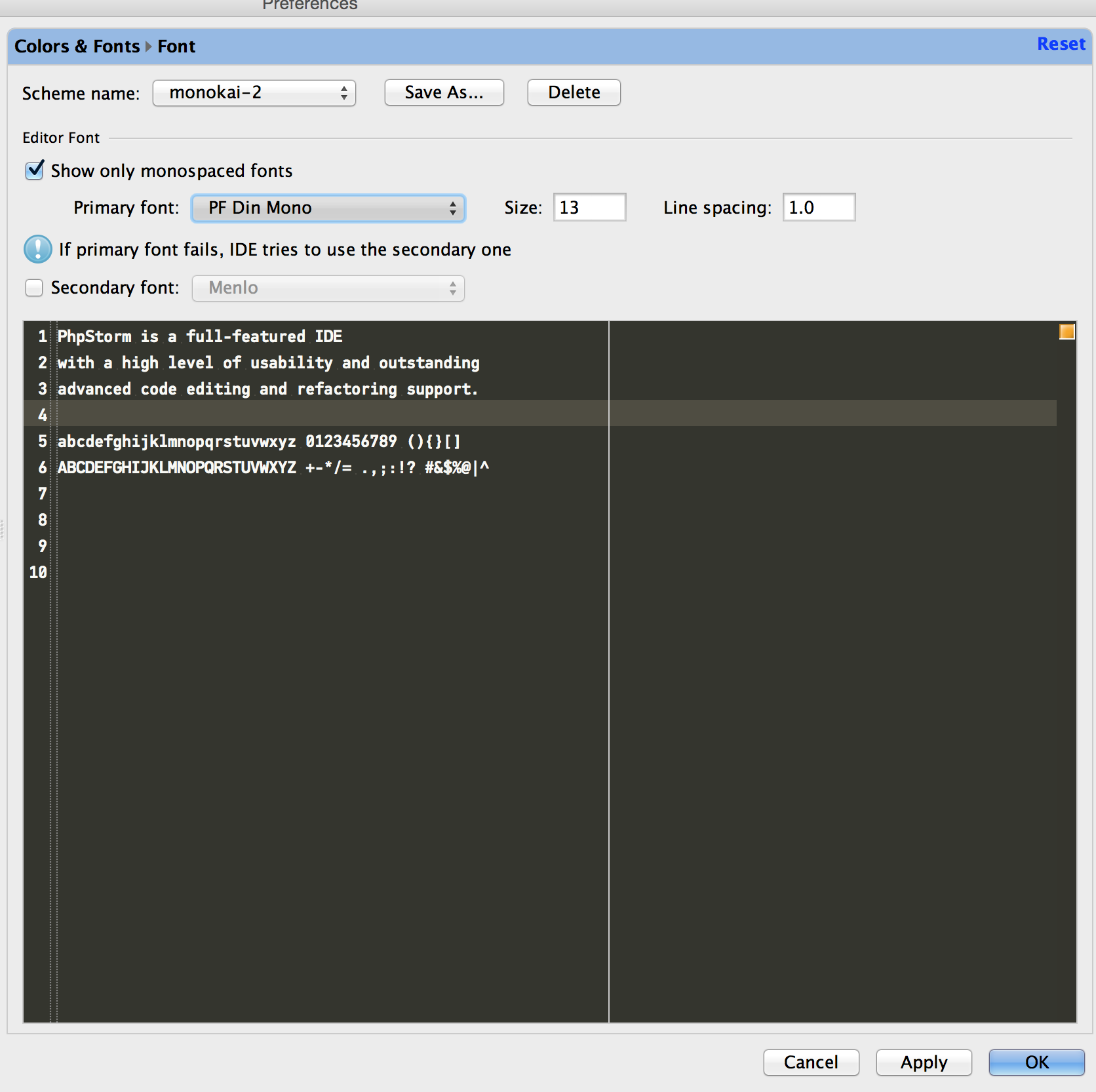
pf din font i have two types, medium and light but i can't see them. i place the fonts under jdk/fonts folder but it still does not recognize them.
here's the current layout :
i want to use different types of the font but i could never see the second pane next to fonts showing the types of a specific font
Urg, this no longer works with PhpStorm 10. Anyone have any luck getting Source Code Pro Light to work with PhpStorm 10 on OSX 10.10?