IntelliJ 13: Cannot reload AVD list, error reading default devices

When trying to run an Android project in IDEA 13, I keep getting an error about being unable to read an AVD list. Pressing escape just causes it to appear again. I cannot launch
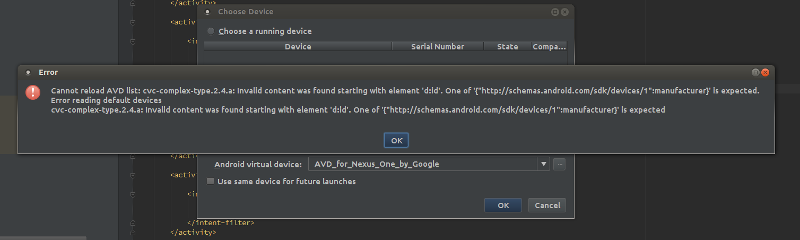
The error dialog is:
Cannot reload AVD list: cvc-complex-type.2.4.a: Invalid content was found starting with element 'd:id'. One of '{"http://schemas.android.com/sdk/devices/1":manufacturer}' is expected.
Error reading default devices
cvc-complex-type.2.4.a: Invalid content was found starting with element 'd:id'. One of '{"http://schemas.android.com/sdk/devices/1":manufacturer}' is expected
I also had a look at the logs produced and attached it with this post.
I have removed and redownloaded the Android SDK several times just to be sure, but that hasn't made a different; IDEA 12 works just fine. I tested this by switching back and forth between the two versions.
Any ideas what could be causing this? What can I do to fix it, or is it a bug?
Attachment(s):
avderror.log.zip
Screenshot from 2013-12-19 22:01:49.png
Please sign in to leave a comment.
Try to remove "~/.android" directory
I deleted .android, but when I create a new AVD, the same error came back. :(
I tried it several times just to be sure.
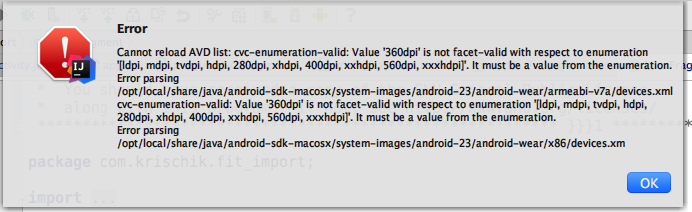
Back in IntelliJ 15:
How about you remove the error message and just skip AVD you can read. There are bound to be new enumerations all the the time so it is better to silently skip new AVDs.