Idea 14.0.3 fails to load project sources

Ok so I've run into a bit of a quandry. After updating from Idea 13 to 14 importing a project from sources fails to load anything into the project.
I check out from a CVS repository, and everything is fine. I can go look at everything via windows explorer and all the source gets checked out, but when I go to import as a new project unlike in 13, where after I select with source modules I want to include in the project at the bottom I get a "Finish" button and not a next to be able to select the libraries and dependencies. After I click finish Idea loads into the main project view but nothing is there.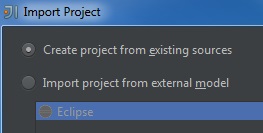
Select sources:
Click finish:
In Idea 13.1.6 after selecting sources I am presented with a "Next" instead of finish and then I verify the libraries and modules before finishing and the project will load up fine.
Then libs:
Confirm Modules:
Then through some Java stuff like which JDK and everything finally getting into the project.
I have a feeling they tried to streamline the process and get rid of the extra steps, but for some reason using the same checked out source I get 2 totally different results for the importing of the project between 13 and 14. Any assistance would be greating appreciated in getting this working in 14, thanks.
Please sign in to leave a comment.