How to get Android Test Framework working

Hi,
I'm trying to get a handle on how to set up the Android Testing Framework using IntelliJ (ultimate edition 9)
There are a couple of posts (one blog post and one discussion), but I'm still not understanding the precise mechanics of setting up testing.
I have 2 main problems:
I have set up an Android project (for simplicity I'm just using the HelloWorld Android app outlined here).
The blog post says that I need to add a new module to my existing Android project and that the new module should be named "Tests".
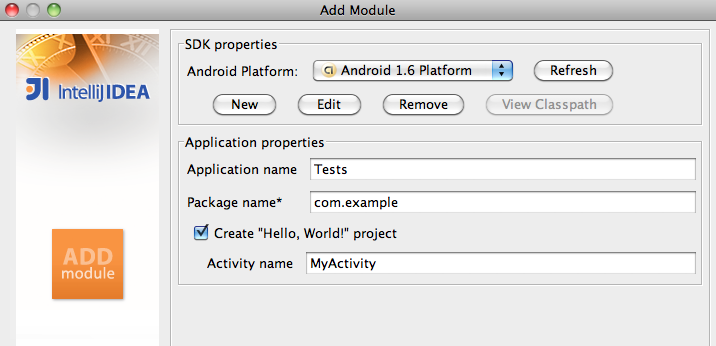
The post then shows this dialog screen (test-module).
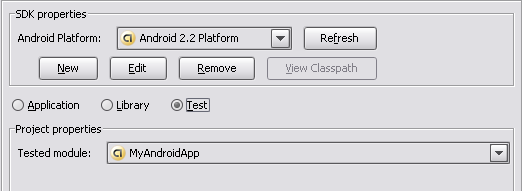
However, I never see anything that resembles the screenshot above.
Here is the sequence of windows that I see when I try to add a new module:
New > Module

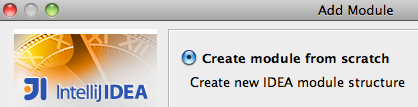
Create module from scratch
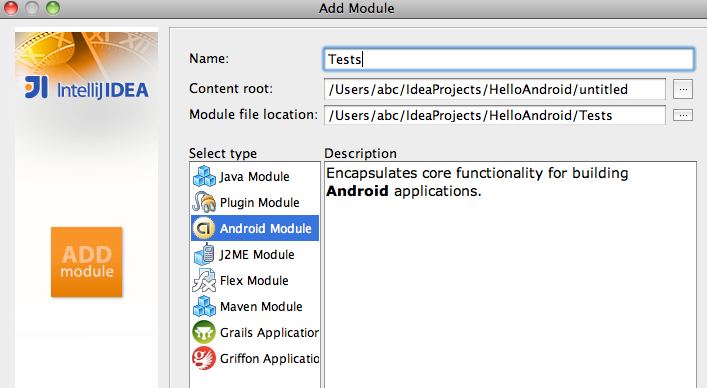
Name the module "Tests"
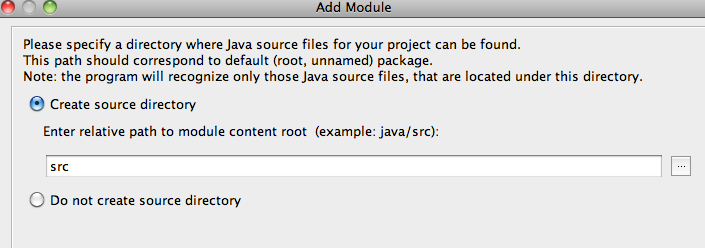
Create a source directory in the new module
Finish making the module
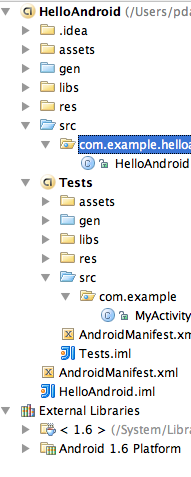
Once the module is created, I have a directory structure that looks like this:
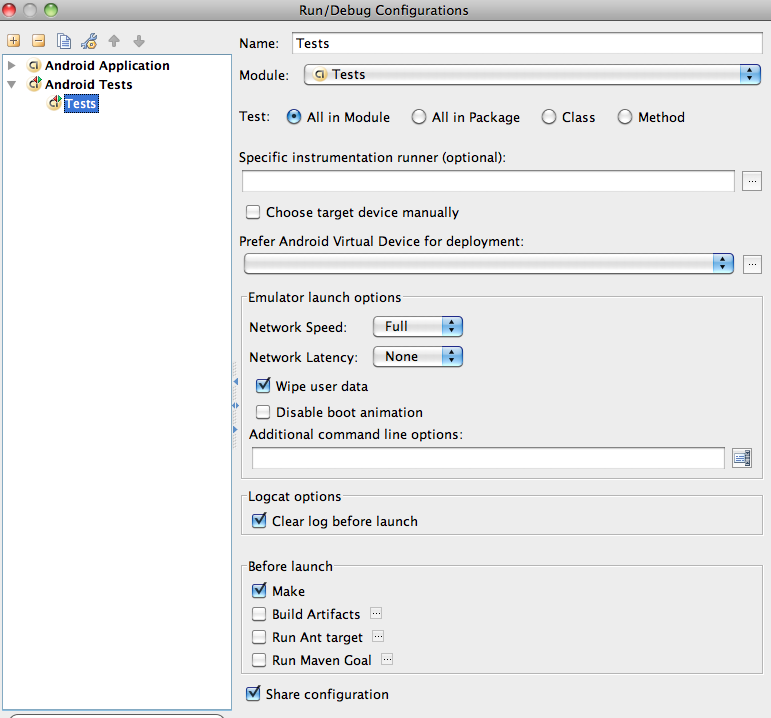
I then edit the run configuration of the "Tests" module like this:
I then create a new class called HelloAndroidTest in my Tests module
and the code inside my class is this:
I'm trying to get a handle on how to set up the Android Testing Framework using IntelliJ (ultimate edition 9)
There are a couple of posts (one blog post and one discussion), but I'm still not understanding the precise mechanics of setting up testing.
I have 2 main problems:
- I don't know if I'm setting up the Test module correctly (I show a series of screenshots below).
- When I add a "testing" module, my test class doesn't "see" my main Activity classes (see below).
I have set up an Android project (for simplicity I'm just using the HelloWorld Android app outlined here).
The blog post says that I need to add a new module to my existing Android project and that the new module should be named "Tests".
The post then shows this dialog screen (test-module).
However, I never see anything that resembles the screenshot above.
Here is the sequence of windows that I see when I try to add a new module:
New > Module
Create module from scratch
Name the module "Tests"
Create a source directory in the new module
Finish making the module
Once the module is created, I have a directory structure that looks like this:
I then edit the run configuration of the "Tests" module like this:
I then create a new class called HelloAndroidTest in my Tests module
and the code inside my class is this:
import android.test.ActivityInstrumentationTestCase2;
import com.example.helloandroid.HelloAndroid;

public class HelloAndroidTest extends ActivityInstrumentationTestCase2<HelloAndroid> {
}
One initial problem is that my class HelloAndroid (which is in the main module) is not seen by the Tests module.
Thoughts on where I've gone wrong??
TKS!
Thoughts on where I've gone wrong??
TKS!
Please sign in to leave a comment.
Turns out you need IntelliJ X (10). As far as I can tell, 9 doesn't have this feature.