Mac Snow Leopard & IntelliJ IDEA - changing default application for .ipr files. Seems to be broken. Any ideas (pardon the pun)?

I've currently got three versions of IntelliJ on my Mac
I am having a hard time changing the default.
If i do a Get Info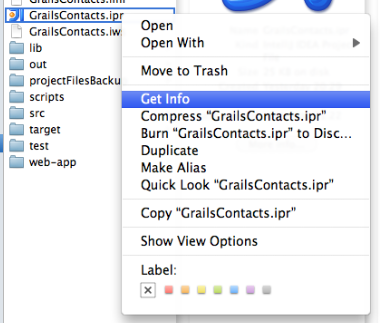
I can change an individual file to open with version 9
But if I do a Change All from here, suddenly it reverts back to 8.1.4!
I Googled on this and some people threw out a red-herring of changing the padlock at the bottom prior to doing the change all, but it had no effect.
From Googling I also know you are supposed to be able to achieve this by another means. But this failed for me too.
i.e.
followed by
But when I look at another .ipr file in another folder, it still opens with 8.1.4 and the Open With dialog still has 8.1.4 as the default!
Any ideas?
Please sign in to leave a comment.