Can't make xdebug work with php -S

Here's how I'm trying to make debugging in PHPStorm work:
1. Start php local web server using php -S 127.0.0.1:8002 -t /home/gadelat/Documents/Orange
2. In PHPStorm, Start listening for incoming PHP Debug Connections
3. In web browser, enable debugging and load page http://127.0.0.1:8002/
Here is what I get: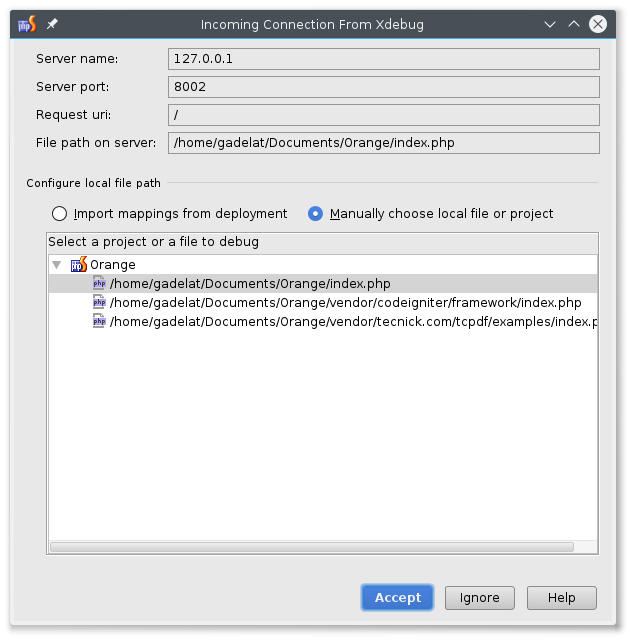
If I click "Accept", here is what I get next: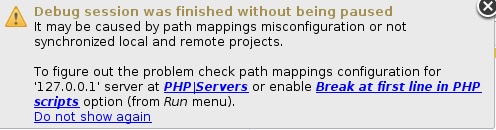
Clicking on "Accept" at previous dialog creates following PHP server in settings: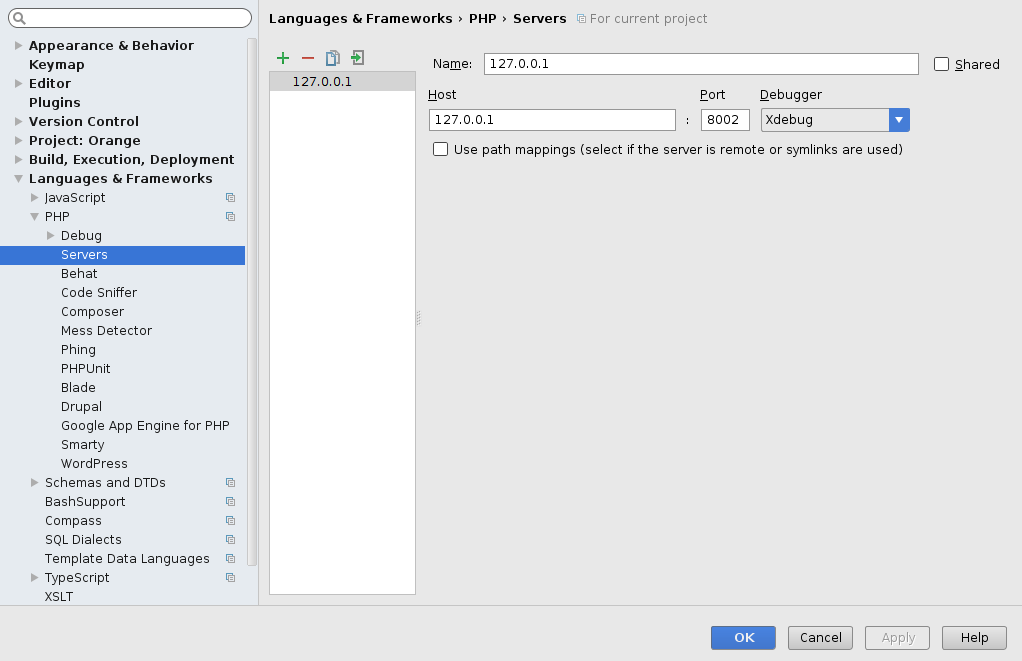
Which is, in my opinion correct. But anyway, If I try to use mappings (even though I am not supposed to since paths are same on local and web server) and set it like this: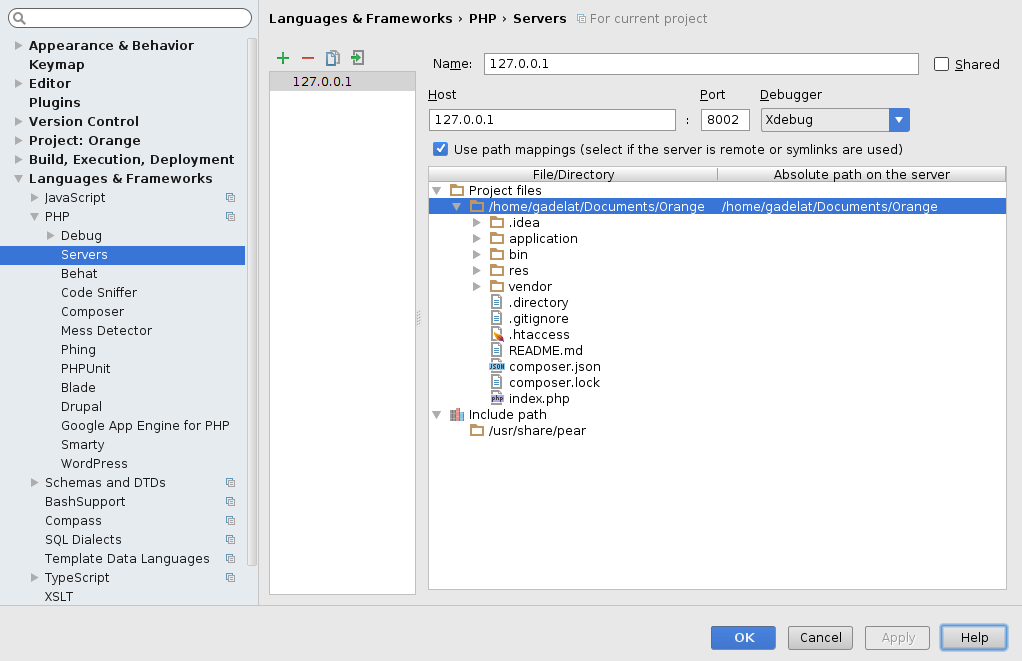
nothing changes.
Debugging works for another project which uses web server in virtual machine
Please sign in to leave a comment.
Hi there,
1) Did you put valid breakpoints anywhere? (by valid I mean that xdebug is unable to stop at certain lines due to the way how PHP generates bytecode, e.g. multiline array, some multiline statements etc; that's why the breakpoints should be set on simple / single line statements)
2) What xdebug log says about it?
3) Will it break if you put xdebug_break(); in your code (programmatic breakpoint) ?
4) Will it break if you do as suggested on 2nd screenshot (enable breaking at first line)?
You were right, php didn't reach to the part of my application where I set the breakpoint. That was stupid from me not to check that. Case solved.
Hi there!
I'm evaluating PHPStorm and I'm facing the same problem. Can't make xdebug stop in any breakpoint in php code.
This is the log file for xdebug:
This is the php file I want to debug:
The breakpoint is in the line market with (*).
I run the PHPStorm debug check tool and everything seems in place.
I do not know what to try more... Any hints?
Regards.
Hi Mike,
1) Is it running locally (not VM or remote computer)?
2) Do you have any "proper" web server installed on your PC (Apache/Nginx/etc)?
3) If you do -- how's your PHP is running there (apache module/fastcgi/etc)?
P.S. You should really do this as separate thread .. as it's different to what the original author experienced (he solved his issue AFAIK)
Thanks Andriy.
I will open a new thread and answer your questions.
Best.