Connect PHPStorm and XDebug to existing Drupal local website

I have a Drupal website on my local setup which we have been using for a while. I want to get PHPStorm and XDebug connected to this project.
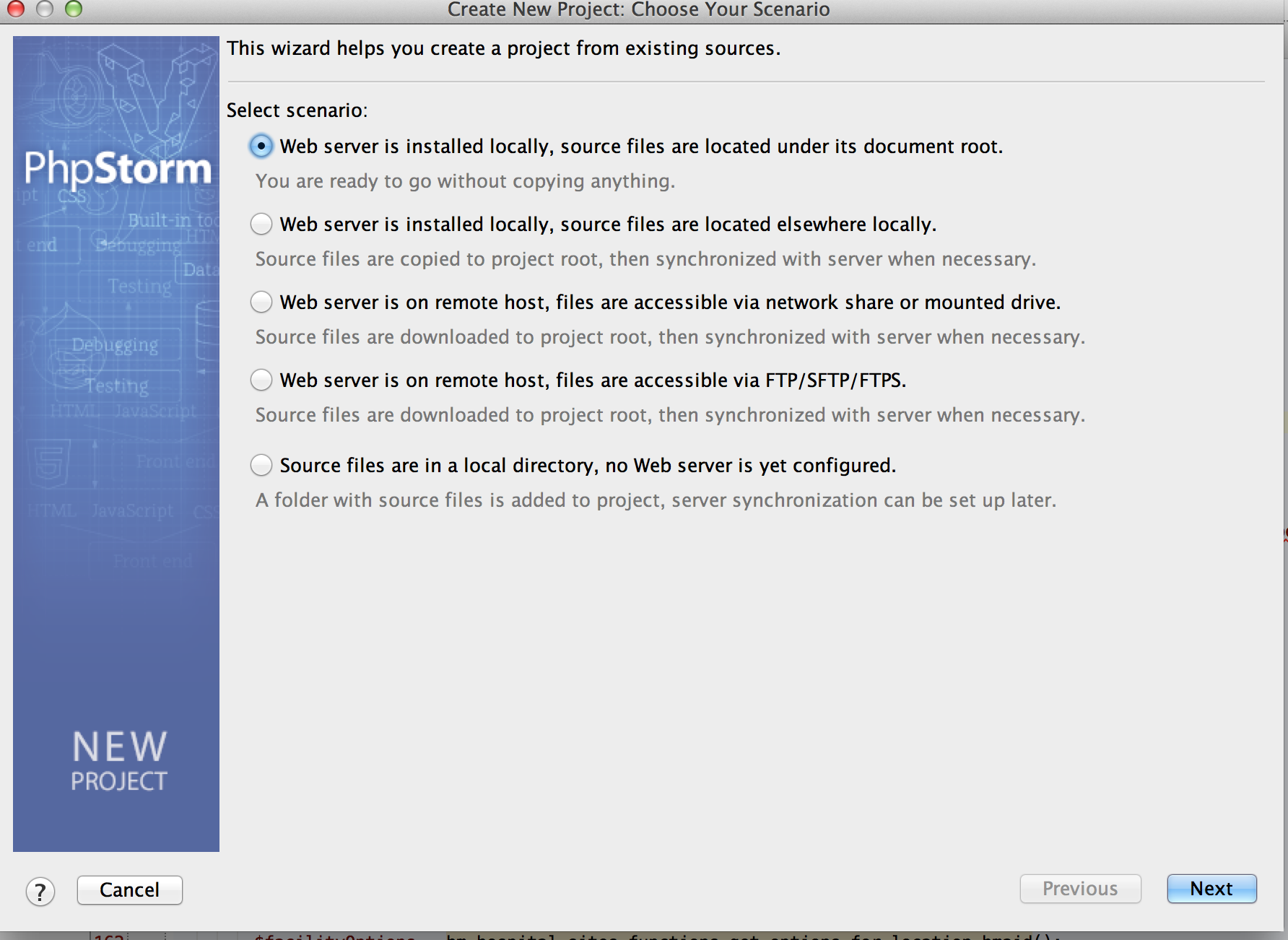
When I start a new project from existing files, I'm not sure which option to choose. My goal is to setup a new project from existing files to get to my root folder of the Drupal project and then be able to have XDebug running so that I can view the entire Drupal Stack Trace. I've attache the options
From this page:
http://www.jetbrains.com/phpstorm/webhelp/new-project-from-existing-files-wizard.html
I think I need the second option? This folder is not located where my PHPProjects lies at.
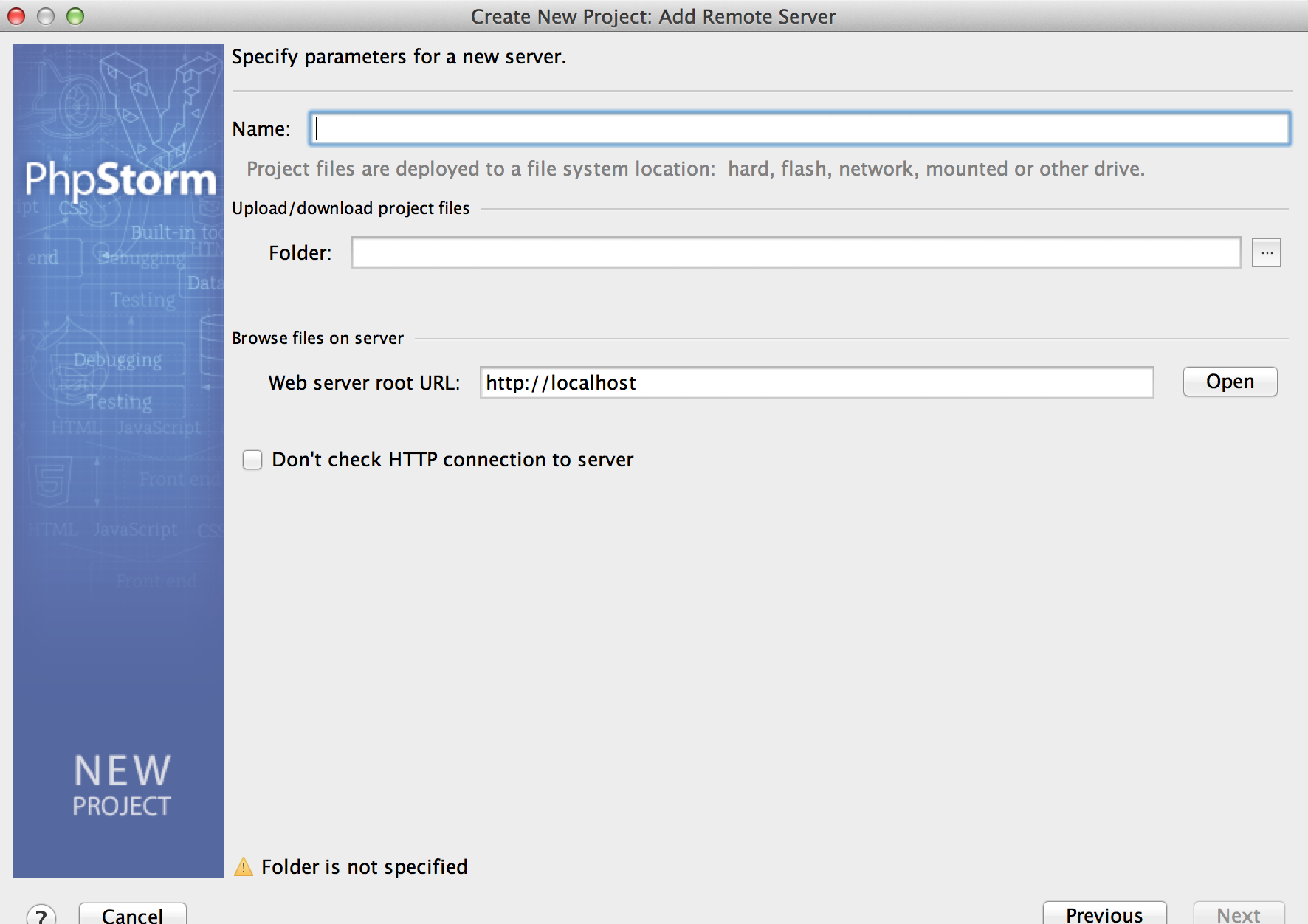
If I choose the second option, I make it to the second attachment screen, and I'm not sure where to go from there.
Attachment(s):
Screen Shot 2014-01-28 at 10.08.25 PM.png
Screen Shot 2014-01-28 at 10.18.50 PM.png
Please sign in to leave a comment.
In the second variant you should enter any name for the project and path to the project folder.
Please check out with: http://blog.jetbrains.com/phpstorm/2013/07/drupal-development-using-phpstorm/ ,http://confluence.jetbrains.com/display/PhpStorm/Drupal+Development+using+PhpStorm .