Project Structure; Project Settings; Libraries: Initial Maven Repo List Empty

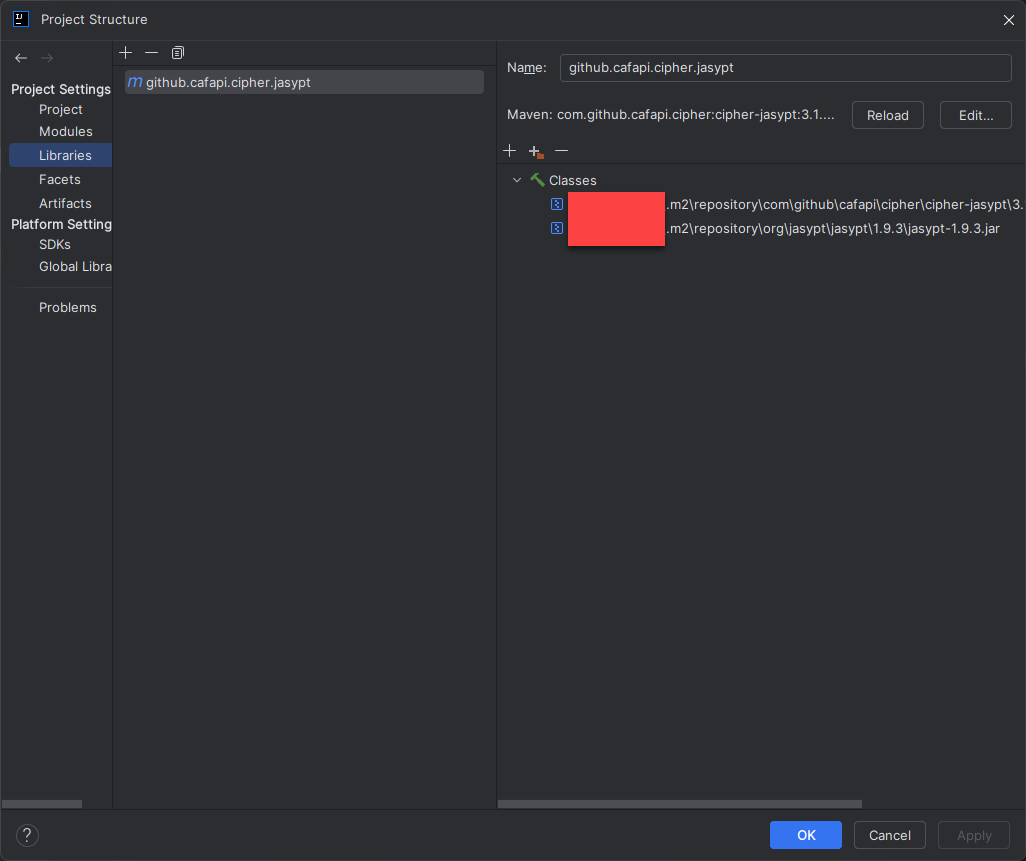
I did some digging online and came up empty. The Libraries list that used to contain “Maven: Item” is no longer populated. Within the directory where the default local repository is located (~.m2\repository\*) the files are present. Is there a way to force Intellij IDEA to repopulate the list the same as it was from the initial installation? Is there a command line utility I can run to populate the list again?
OS: Windows 11 Professional x64
Steps Taken (in no particular order):
- Re-install
- Invalidate Cache and Restart
- Under “Build, Execution, Deployment” selecting Update for the Indexed Maven Repositories does nothing
- Delete the .idea directories before Invalidate Cache and Restart
- No .iml files to remove
- Utilized CCleaner for any broken registry values, none returned were relevant
Please sign in to leave a comment.
Hi, your local Maven repository properly. Here's what I'd try:
Close IntelliJ.
Go to this folder:
C:\Users\<YourUsername>\AppData\Local\JetBrains\IntelliJIdea<version>\system\Maven\Indices
and delete everything inside — that’s where it stores Maven index info.
Open IntelliJ again.
Go to Settings > Build, Execution, Deployment > Build Tools > Maven > Repositories
Select your local repo (~/.m2/repository) and click Update (just that one, not "Update All").
Then right-click your project and choose Maven > Reload Project. My Great Lakes