issues creating a react app

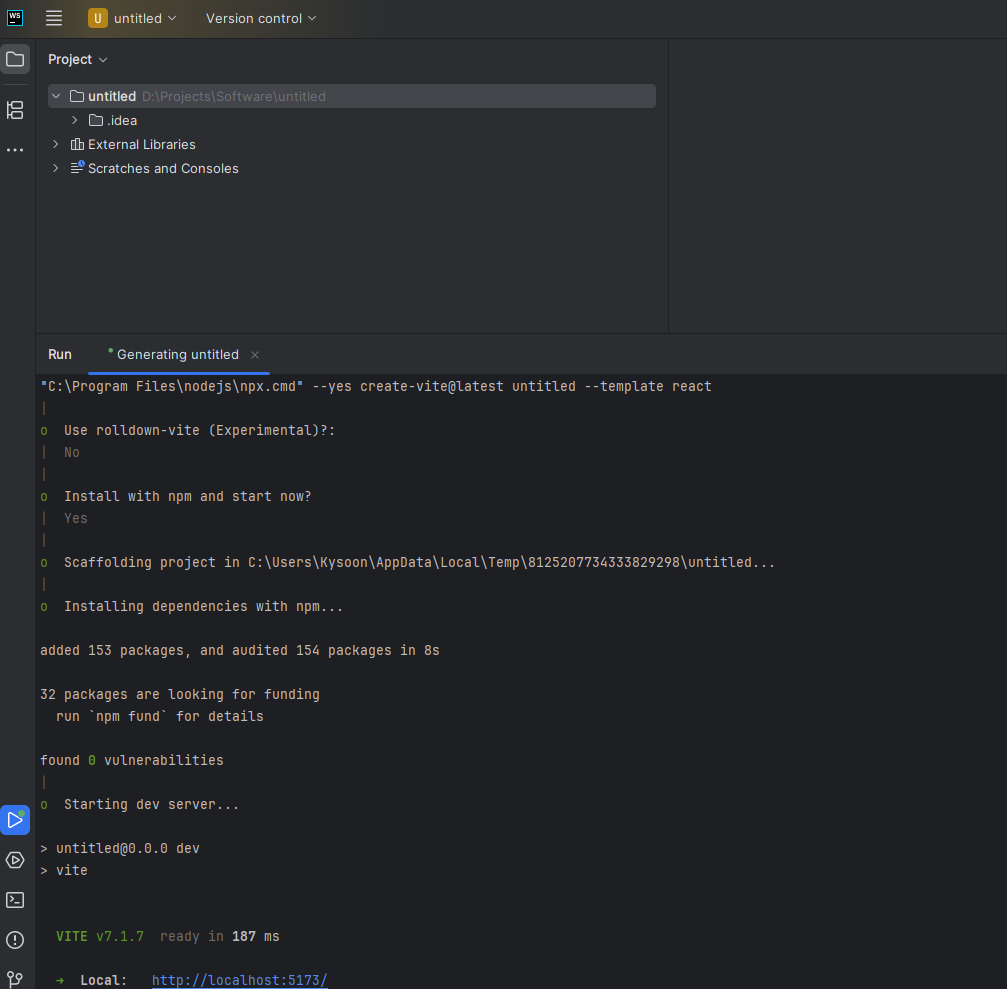
I went to create a react app by generating a new project. I clicked react, and saw the message saying to use Vite instead. So i clicked vite and selected the react template.
I went through the questions it asks in the terminal.
Instead of building my project in the project folder it built the project in an appdata folder and I have nothing in my actual project folder.
Please sign in to leave a comment.
When creating a new project, files are initially placed in the temporary folder to avoid issues generating the application in the non-empty folder, and then copied to the chosen location when the generation completes. Please try terminating the batch job by pressing the
Ctrl+Cin the generation console, then wait a bit and re-load all files from disk. Does it help?