Pycharm showing output from a different script file
Answered

More specifically it will show the unwanted script file first then the desired script's output in the console output box.
I followed the suggestion here, and deleted all the debug configurations.
That did no good.
I've attached a picture, instead of linking to an external site.
Edit: I found the cause of the problem. After the headers were imported, there was a greyed out statement that imported the script file:
`from <project folder>.venv.<script name> import variable`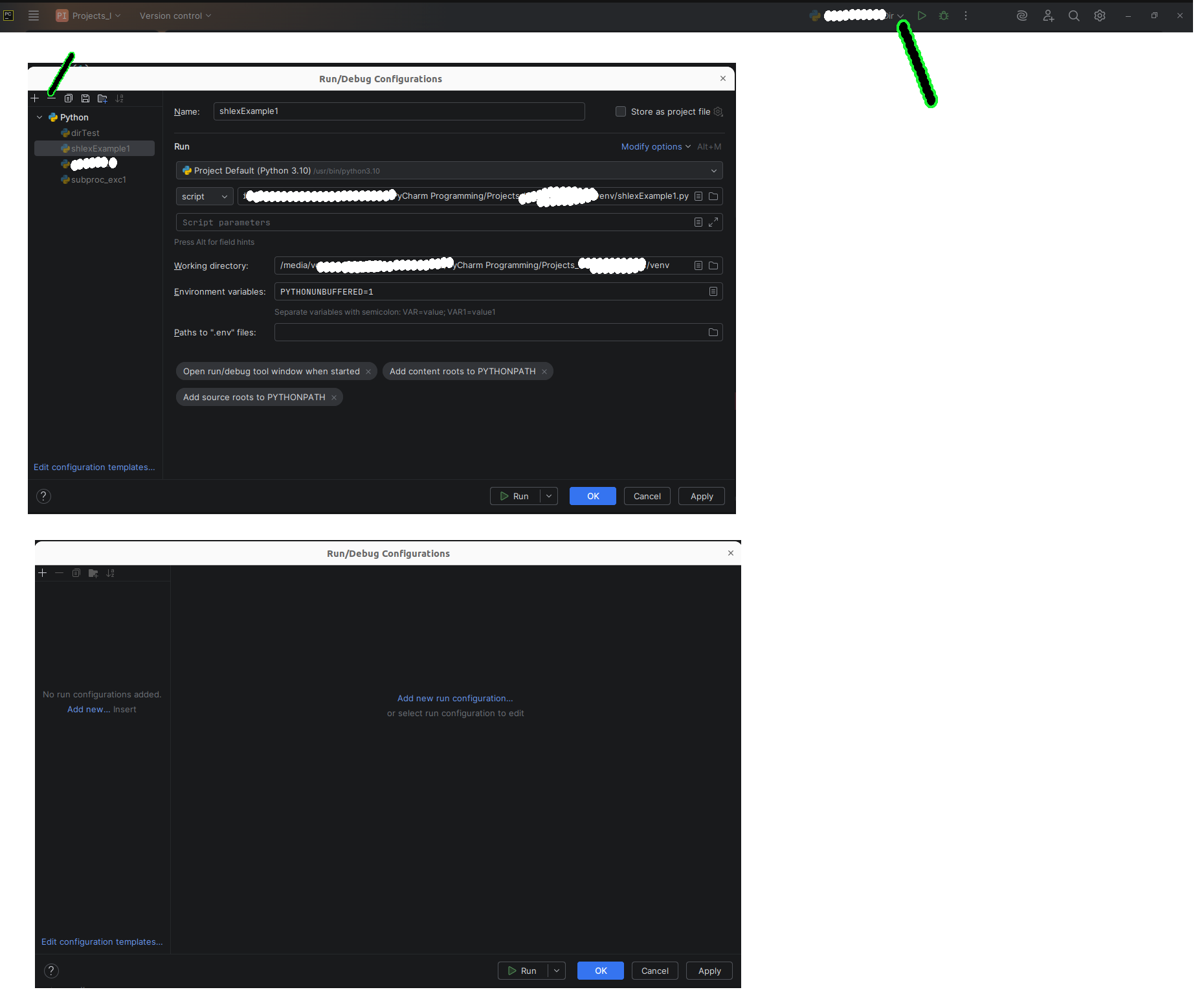
Please sign in to leave a comment.
Glad to know you found the root cause :)
If you still have any questions about this or doubts - feel free to create a YouTrack case