Jupyter console not working

Hello,
New PyCharm user here and I'm having trouble using Jupyter Notebooks, particularly the Jupyter Console. Here is an example from a deafult new Jupyter project.
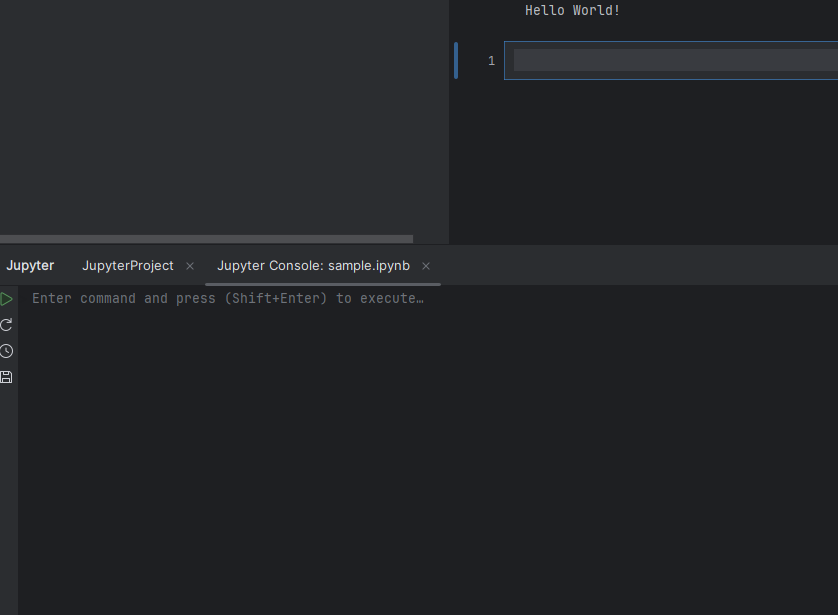
Opening the Jupyter console shows the following:
When any command is put into the console and executed (like print("Hello World!")), nothing appears nor changes. See below:
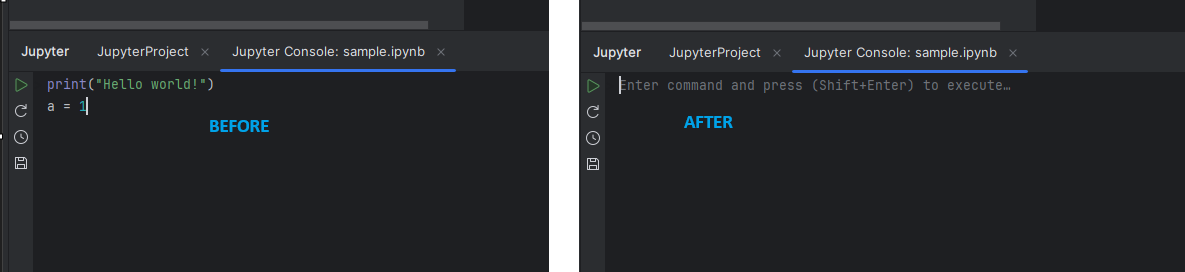
No console output and nothing appears on the Jupyter Variables side bar.
What could be the issue?
Please sign in to leave a comment.
Hello, L Hirsch N ,
This issue seems related to PY-83088. Please vote for the issue to receive updates on its status. Once the bug fix is released, the "Available in" field will be updated with the corresponding version that includes the fix.
Hi Dinara Tsydenova, thanks for the reply. It seems that my issue is related to the one you mentioned. Is there a way to know which is the lastest version of PyCharm that didn't have the issue?
L Hirsch N , I have checked, and it works in the EAP version.
This is now fixed in the latest Pychar version, 2025.2.5