Windows become docked after close

Hello, I recently started using rider to replace visual studio (with resharper).
I'm customizing the toolbar with my most used functionalities, such as “Git Log” and is configured to open as “Window”
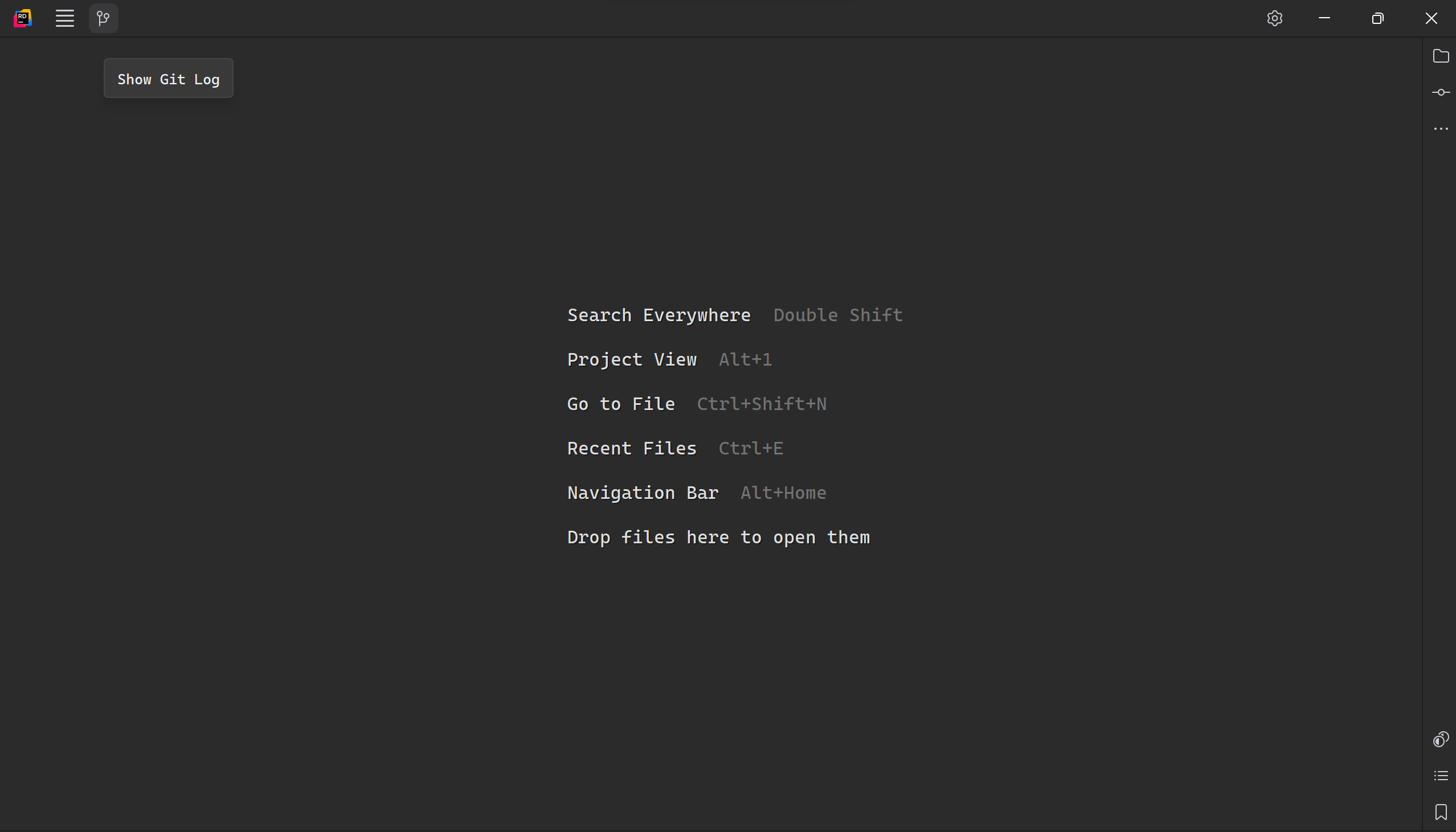
But as soon as it opens, it is added to the right side-bar, which is not a problem, but when closing, it stays there.
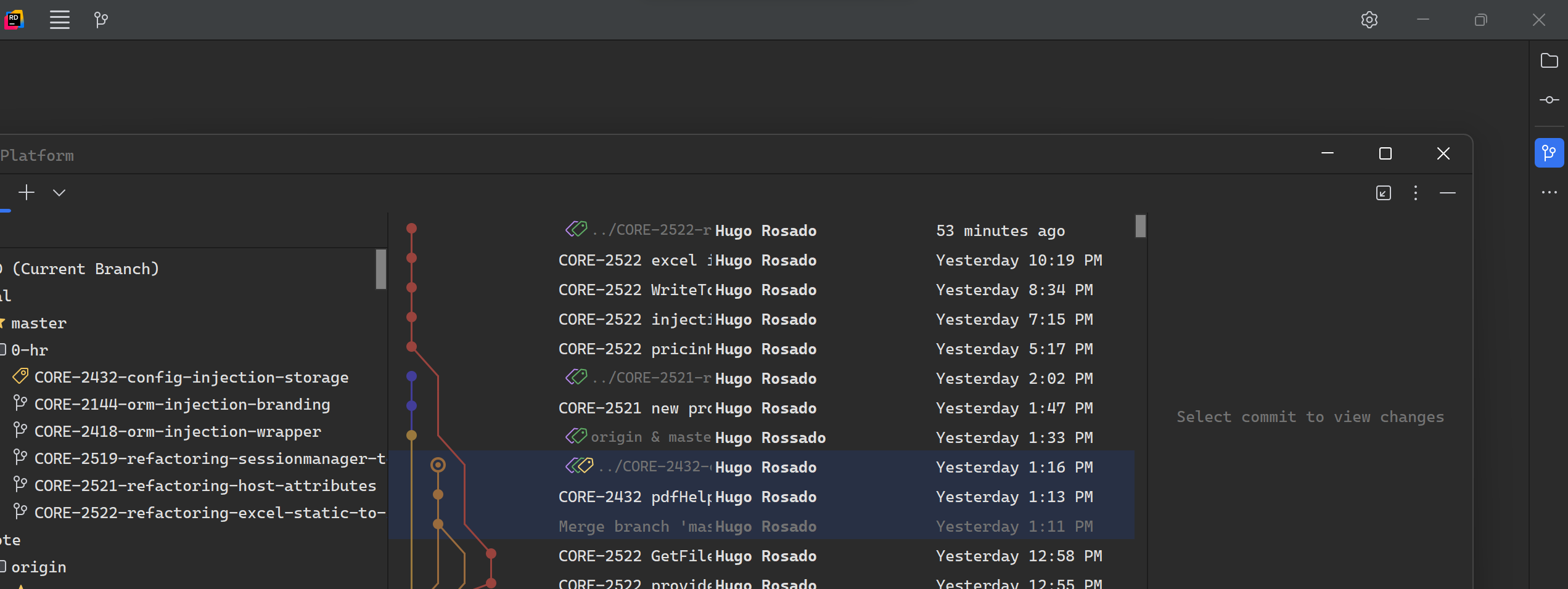
After some try-outs and configurations I cannot find how it is possible to prevent a window from staying docked after it is closed (either left or right side of the IDE).
This also can become a cluttered mess if too many windows are opened, constantly “hidding” whatever popuped up in the sidebar.
An exagerated example would be: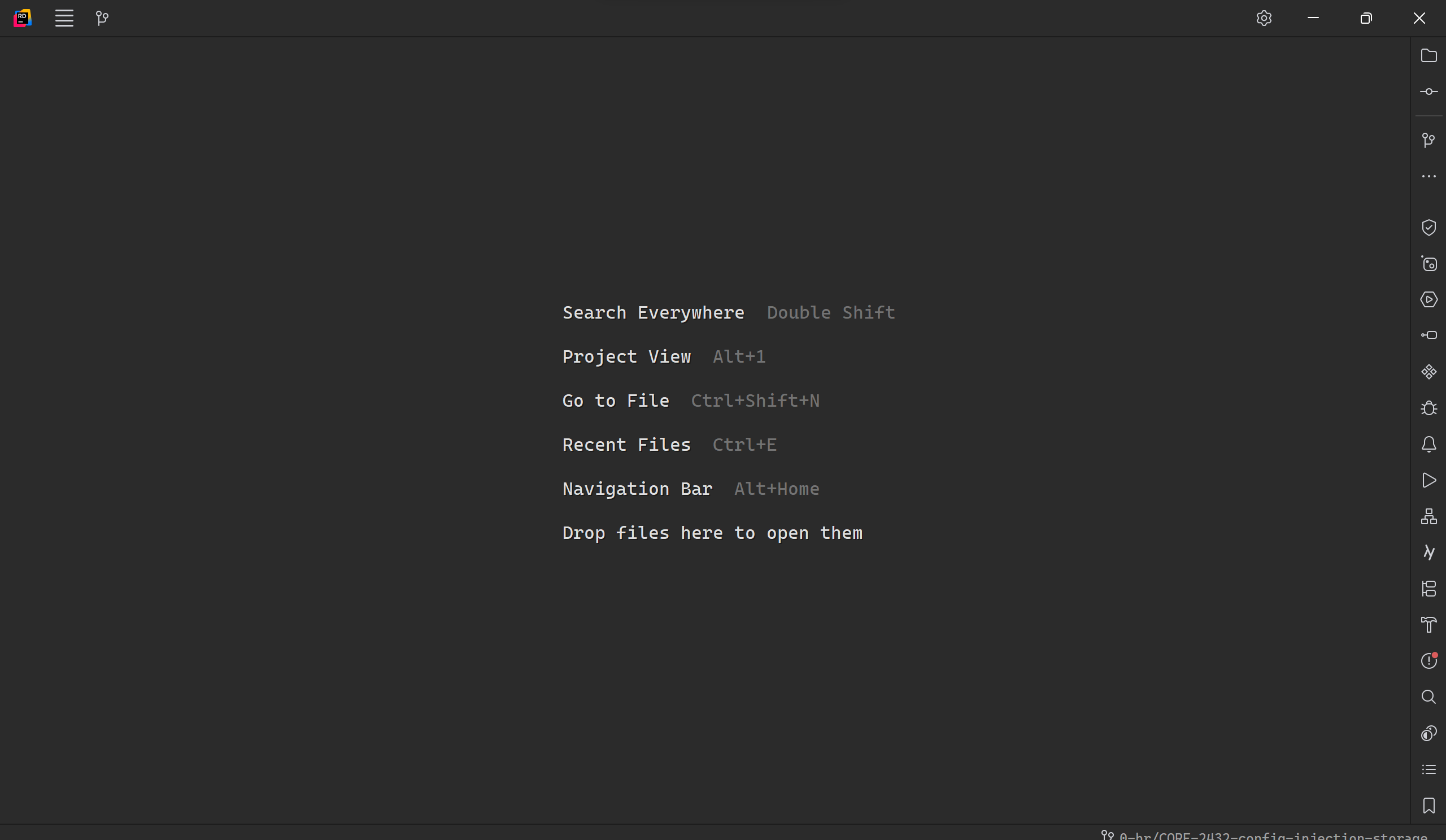
Is there any configuration to prevent this from happening?
Thanks, Best Regards
Please sign in to leave a comment.
Hi,
This is currently the expected behavior: when a tool window is opened (e.g., Git Log), Rider adds its button to the sidebar and keeps it there. There’s no setting to prevent this or to auto-remove the button after closing the window. You can clean it up by right-clicking the sidebar button and selecting “Remove from Sidebar.” The tool window will still be accessible via View | Tool Windows.
If this behavior is problematic for your workflow, feel free to upvote this feature request I created for your use case so the team can consider adding an option for it.