Cannot open (Codex) AI Chat
Answered

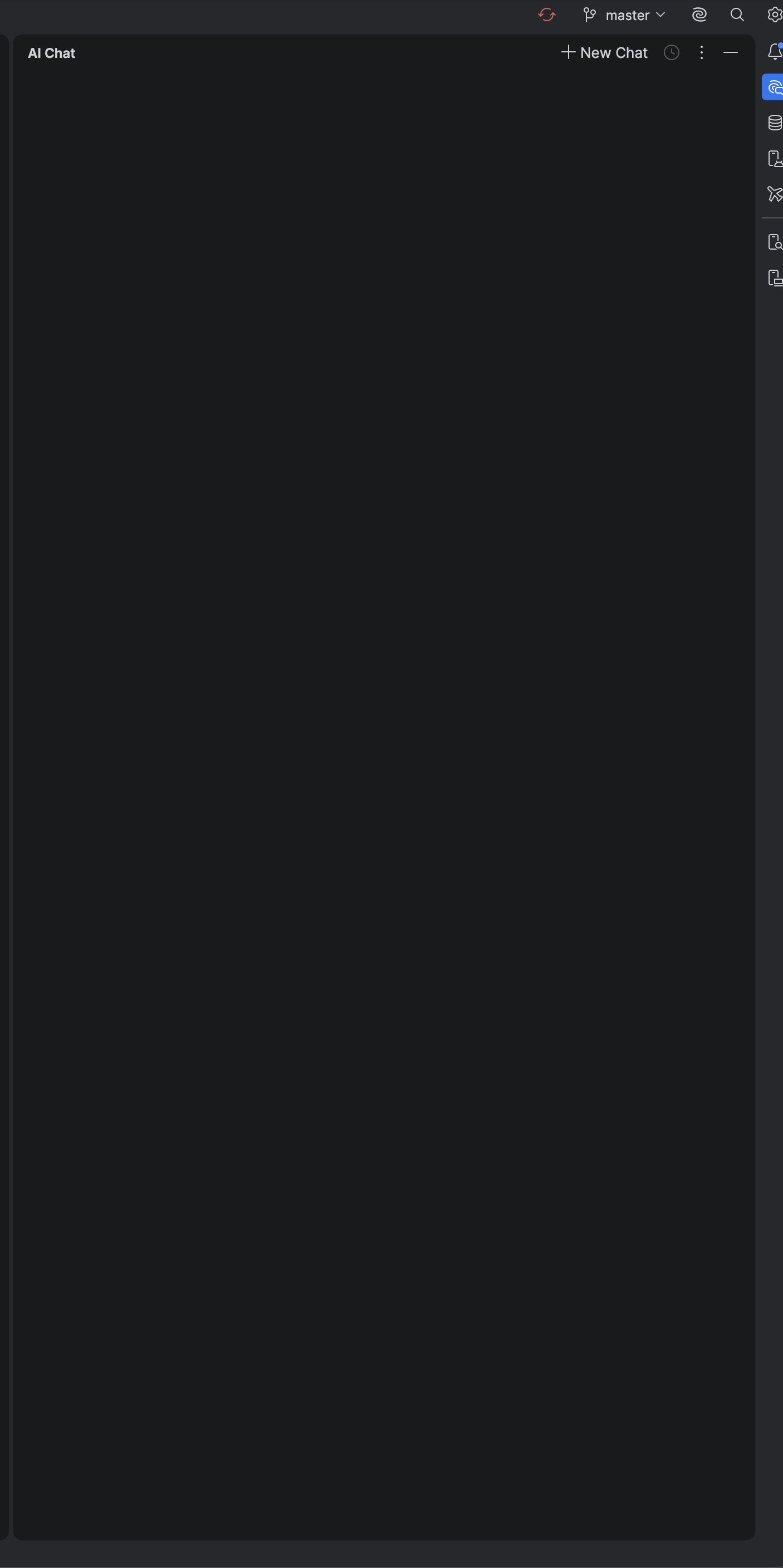
See attached screenshot. the ai chat frame is just blank, and when i press the + button, nothing happens. Input appreciated. I am trying to get my Codex chatgpt account to work inside intellij so that i hopefully can get rid of Cursor.
Please sign in to leave a comment.
Hello,
This issue is most likely related to the MCP Server plugin being disabled.
This behavior is being monitored in the following YouTrack issue:
LLM-24126 AI Assistant chat window is empty after updating to 2025.3.2
Please try enabling the MCP Server plugin and check whether the problem is resolved.
If the issue persists after enabling the plugin, please create a support ticket via our support portal and share the IDE logs so we can investigate further.
You can collect debug logs by using the following steps:
com.intellij.ml.llmcom.intellij.util.io.HttpRequestscom.intellij.util.proxy.CommonProxyok great i'll try it looks like that is it, pretty sure that i have it disabled.
I still have it. created youtrack issue.
IJPL-233764
This issue is still an issue on my windows and mac versions. Can we track this as a bug? This changed for me when i updated to the recent version. Some AI changes were made in the settings. Can ya'll take a look? Also, is there a way ro rollback to previous version when it was working?
Cuurent Version: 2025.3.5
The original issue was caused by a missing bundled plugin that had been disabled in the IDE settings. If you are experiencing similar behavior, it may be due to the same reason. Please review the list of plugins in your IDE Settings and make sure that both the MCP Server and Markdown plugins are installed and enabled.
If the issue persists after enabling these plugins, please submit a support request along with the troubleshooting logs using the following form: https://intellij-support.jetbrains.com/hc/en-us/requests/new?product=ai_assistant
Instructions on how to enable, collect, and upload the logs safely can be found here:
https://youtrack.jetbrains.com/articles/SUPPORT-A-75/How-to-collect-IntelliJ-IDEA-logs-to-troubleshoot-AI-Assistant-issues