Debug/Run on PyCharm and other IDE
Answered

Hi, I'm tyring to run the helloworld plugin demo (built with what appear to be the new standard, gradle) on PyCharm instead of IDEA.
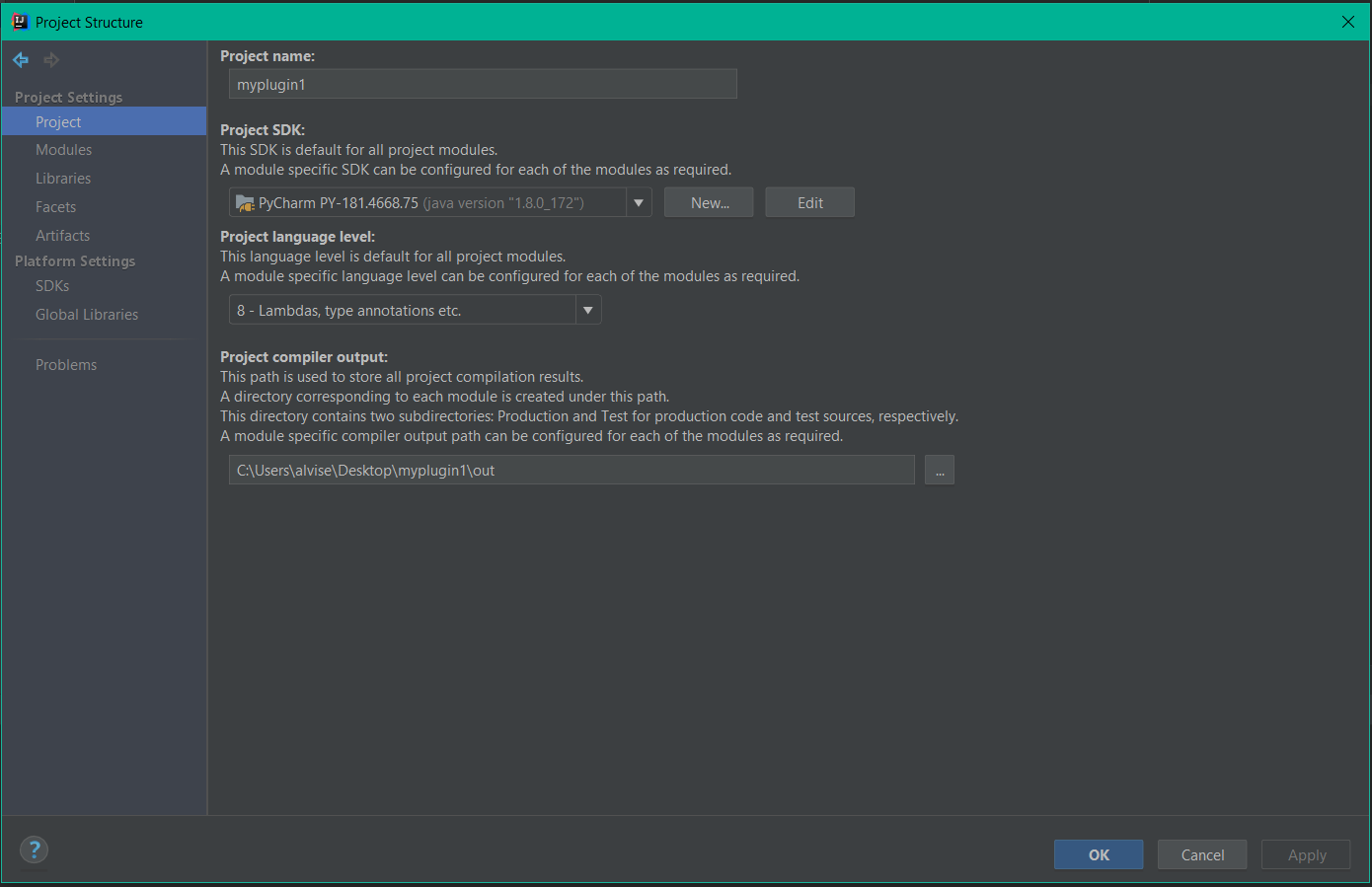
I set the SDK as shown in the screenshot, but it still fires up IDEA. Do you guys have any clue on how to do it? If I try (what I've heard is the '''old''' way) without gradle, it works.
- What am I doing wrong?
- Should I add something specific on the gradle configuration file? Where can I find some informations on how to create the gradle file with the correct properties?
Thanks!
Please sign in to leave a comment.
Here the solution (sorry for the post, Admin can remove in case).
This problem shows up only when using GRADLE. If you are building a plugin the old way, then changind the SDK to the one that you are targeting is enough.
When using GRADLE, to use a different IDE from IntelliJ IDEA, then in the `build.gradle` file, on the `intellij` paragraph, add a line `altenartiveIdePath 'path'` which will redirect the IDE to be used. This is explained also here: https://github.com/JetBrains/gradle-intellij-plugin (BIG thanks to @GeorgThomassen for the heads up).
As a side note, using gradle setup manually, neither version 4.6, 4.7 or 4.8 worked, but when using the included version (the recommended option to select when creating the plugin, which I believe to be 4.4 for today) worked.