IDEA2018.1 opens wrong browser
Answered

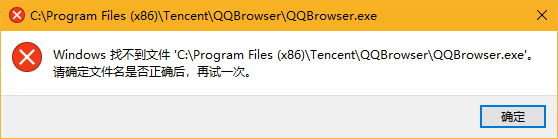
I used QQBrowser as my default browser.Recently I uninstalled it and set Microsof Edge as my default browser. However IDEA still thinks my default browser is QQBrowser. It tries to open QQBrowser for me each time I debug web app, causing windows complains that it can't find QQBrowser.exe. After I upgraded IDEA to 2018.1 version, the problem didn't disappear;
System: win10 pro 1709
IEDA version: 2018.1 Ultimate
langage: java
Please sign in to leave a comment.
Hello,
Could you please attach screenshot from "Settings | Tools | Web Browsers"?
default settings and settings screenshot: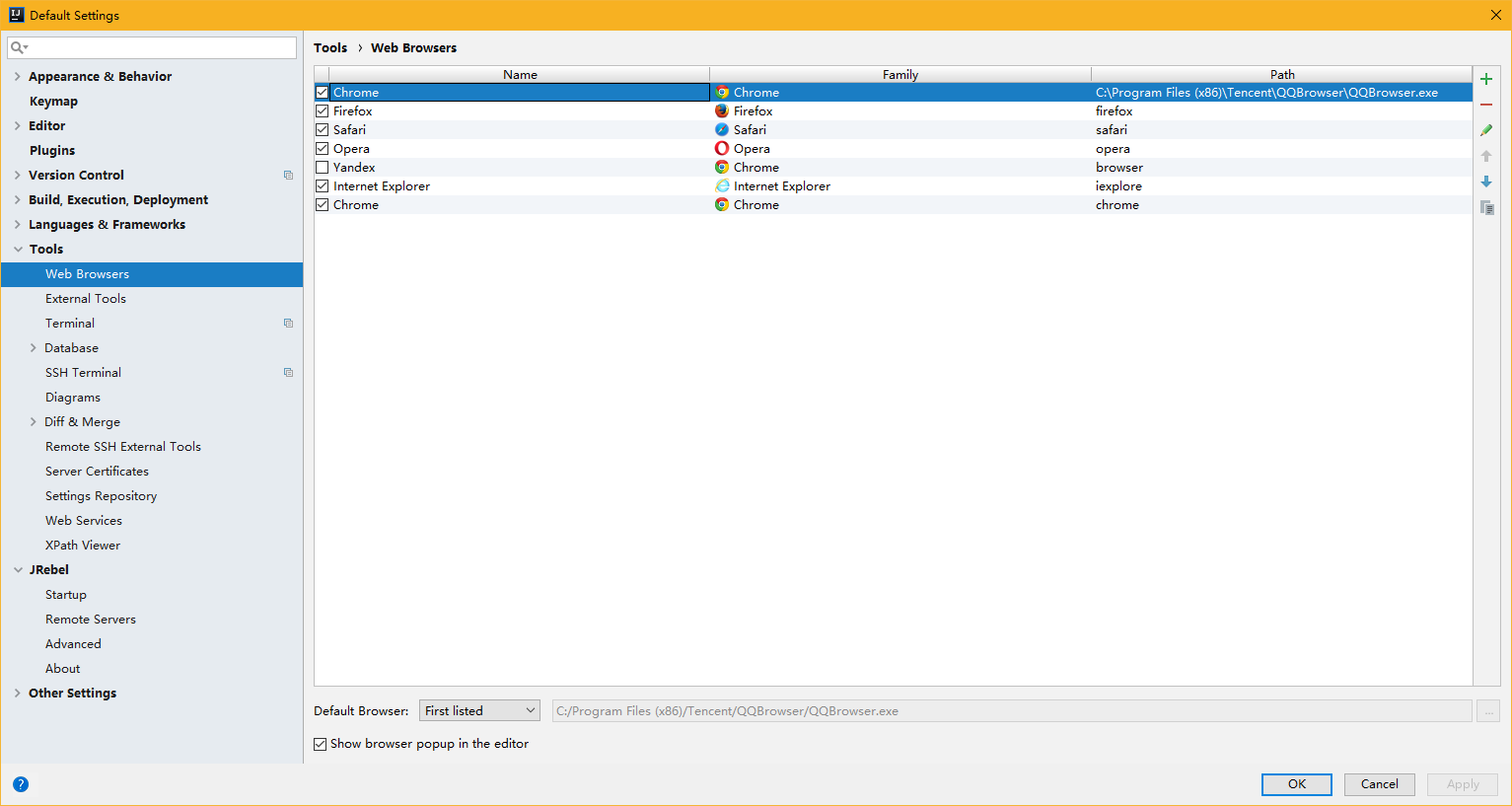
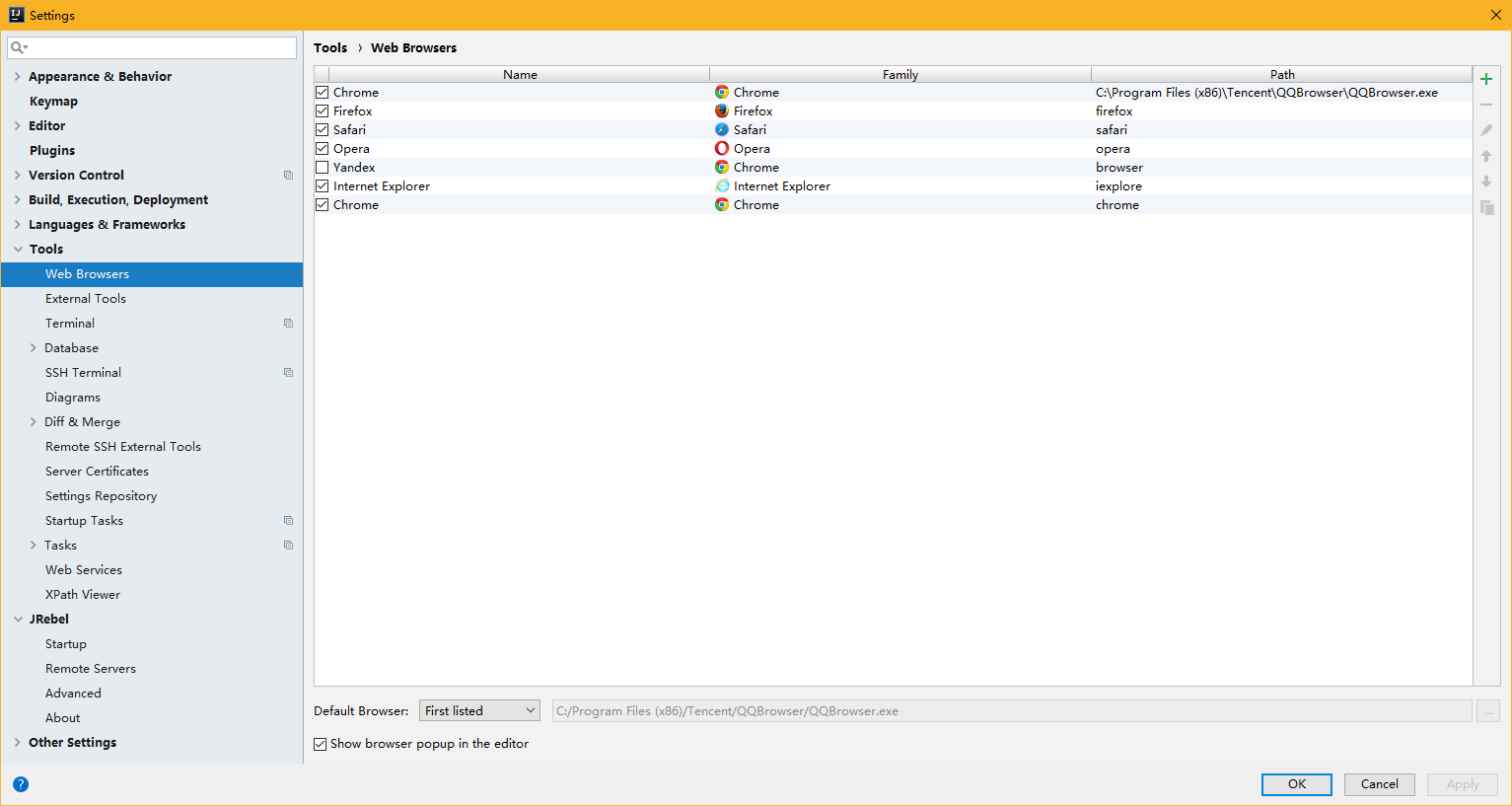
So, that's the issue. Please fix path for your default (Forst Listed) browser or remove it and use one of pre-defined.