Enter key always hits left most option in prompt
Answered

Hello JetBrains Team,
For some time now I have problem with all prompts like commit warning/add file to git/etc.
When prompt opens and I choose different option than left most and click ENTER, it always uses leftmost one.
Everything works when using mouse, but as you know it is faster to just use keyboard.
System: Ubuntu 16.04
IntelliJ IDEA 2017.3.5 (bug is NOT because of update)
Pics:
I want "Cancel" (Commit doesn't work too)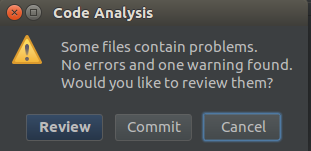
And I get "Review" behavior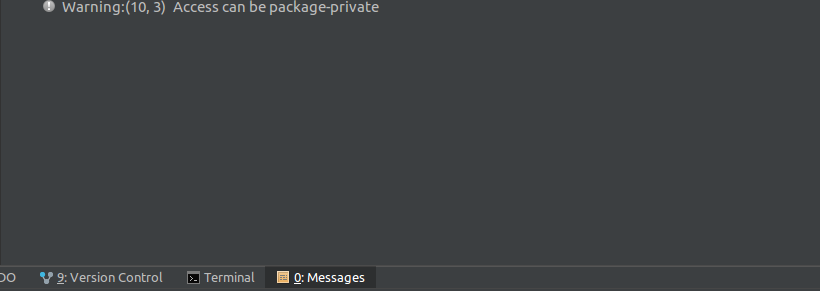
Thanks in advance.
Please sign in to leave a comment.
In dialogs, Enter aways executes default action - highlighted with blue.
Cancel is always executed by pressing Esc.
To execute the action in focus use space.
This is common behavior for a lot of applications/window managers - see https://youtrack.jetbrains.com/issue/IDEA-125537
Och, ok. Thanks for answer. I was almost sure that it stopped working at some point, but maybe I was wrong :)