Hinting/autocompletion/documentation won't work.

Please help because it drives me crazy and i can't fix that alone. Tried Invalidating cache, enabling Nojde.js Core library. Few days ago i've removed all configurations for Webstorm, reinstalled it and it worked ... for 2 days. I've created sample project to show where is problem:
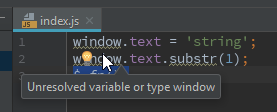
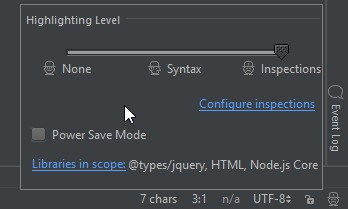
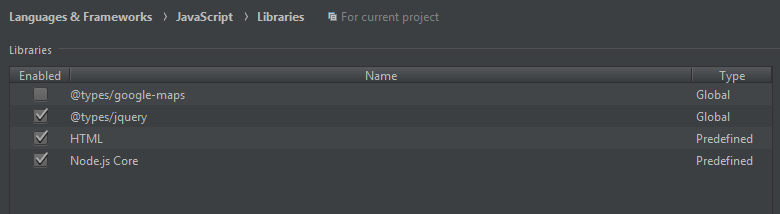
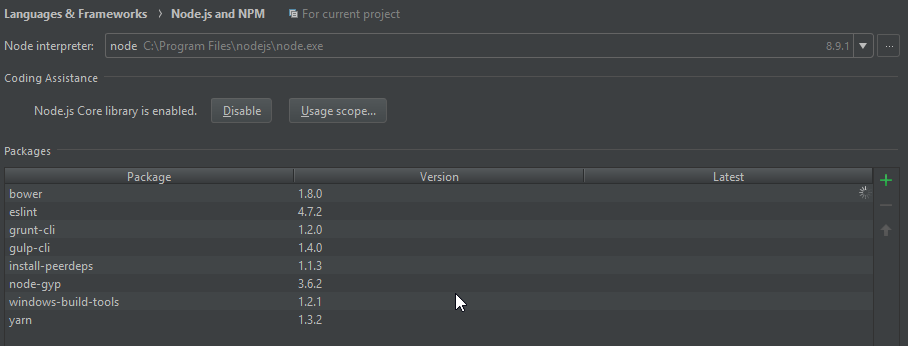

As you can see, HTML and Node.js Core is on scope for that file but 'window' is still unresolved. Same with jquery '$' or other lib taken from @types.
Please sign in to leave a comment.
Ok. After few hours of struggle, removing Webstorm, configuration, removing all .idea directories from projects i found source of my issue.
Because of my needs (*.ts files for CMS Typo3 Typoscript) i've unregister *.ts for Typescript on Editor > File Types. After that, all hints, completion etc was gone. Question is - why my internal configuration for file types and extensions is taken into account on hinting javascript language? Is this intended behavior?
Now i can't use 1) javascript hinting OR 2) typo3 typoscript files with extension .ts.
How to reproduce:
- Just remove *.ts from Editor>File types>Typescript>Registered Patterns
this is expected behavior: resolving/completion for the standard JavaScript APIs is powered by the TypeScript declaration files (*.d.ts). If .ts extension is unknown/assigned to a different file type, Typescript stubs can't be parsed and thus can't be used for code completion