Standard rules shows as error when they configured to be warning

Inspections settings:
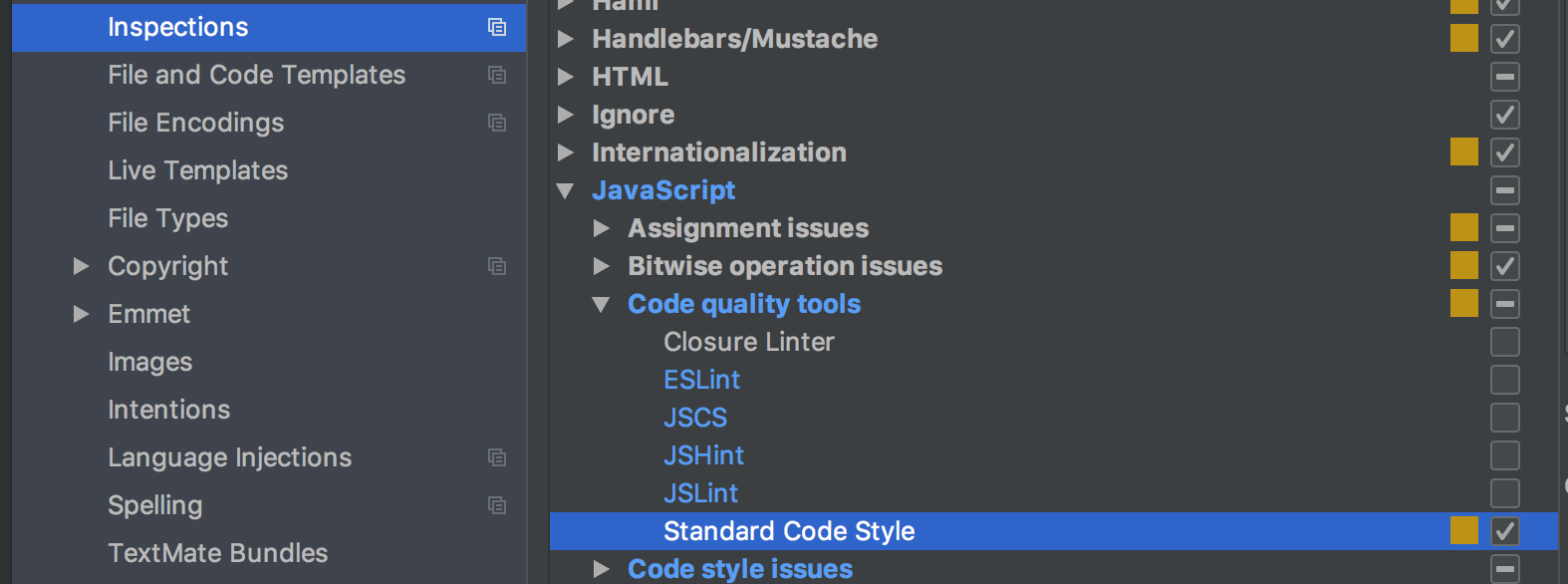
Code:

WebStorm 2018.1.2
Build #WS-181.4668.60, built on April 23, 2018
JRE: 1.8.0_152-release-1136-b29 x86_64
JVM: OpenJDK 64-Bit Server VM by JetBrains s.r.o
macOS 10.13.4
Please sign in to leave a comment.
'custom' severity highlighting doesn't currently work for eslint/standard - youtrack.jetbrains.com/issue/WEB-25697
Highlighting used for ESLint/Standard depends on severity defined in eslint configiration: severity 1 is highlighted as warning, 2 - as error
So, how do I change severity?
The only way is changing rules severities in eslint config. As standard rules can't be configured (https://standardjs.com/index.html#i-disagree-with-rule-x-can-you-change-it), using ESLint is your only option. You can make sure that all rules in your configuration have severity 1 - Webstorm will show them as warnings then
Got it, thanks.