Editor fonts squished

No matter what I choose, even the default, the fonts in the file editor are squished vertically... I'm not finding how to fix this.
This is the default Monospace at size 15 (the line spacing is the padding around the characters, so please don't confuse that with font height):
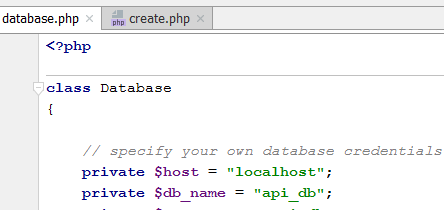
The tab and Project window file/folder name fonts are not squished... they look normal, if small.
I'm on a Windows 7 15.6" laptop. Any other computer I use (like a Windows desktop 21" FHD or an iMac) shows fonts properly proportioned.
Here's some more examples (notice the difference between the settings window fonts and the example characters font):
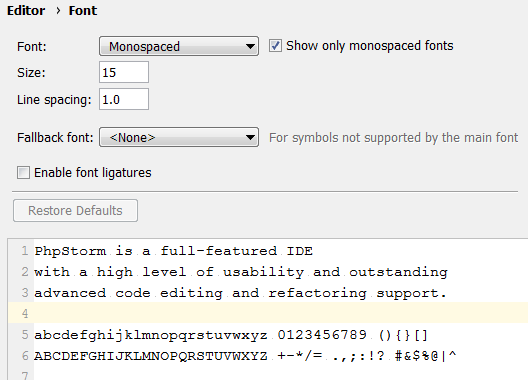
Consolas:
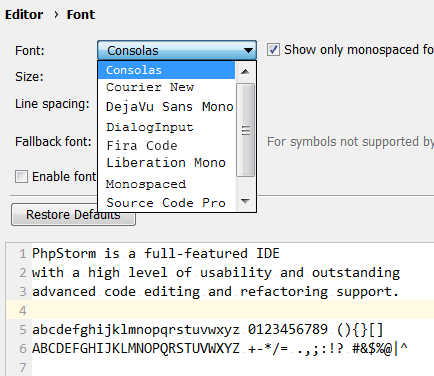
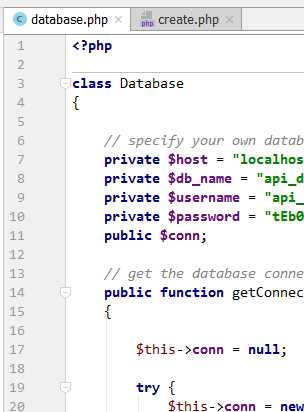
They look squished in the editor at least:
Please sign in to leave a comment.
The reason behind that is that the Editor uses monospaced fonts only, while the rest of the UI uses usual fonts.
You can uncheck the 'Show only monospaced fonts' and select a font that is not monospaced, but this would cause problems during column-mode selection and visual string comparison.