How to go back to the original console?
Answered

I often have such a problem:
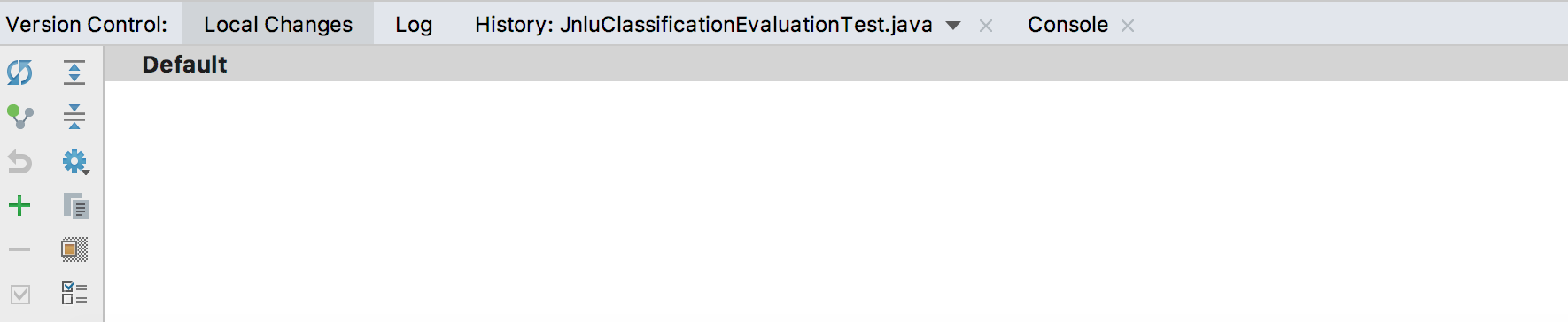
When my application is running, which may take quite a while, I can see all the log messages through the console. While I am waiting for the application to complete, I may click the git-related options, for example, "git->show history", then I can see all the "local changes" I made in my local repository. In this new view, how can I go back to my original console to see my application progress? I can't find a way to go back to that.
Please see the attached view. I need to go back to my original console view. Thank you.
Please sign in to leave a comment.
I believe what you need is the Run toolwindow. So just open it with Alt/Cmd+4.
There is also Messages (Alt/Cmd+0) that shows you build failures, etc.