Get Green "Active" Circle for Custom Tool Window Icon
Answered

Hi, I am developing a plugin for IntelliJ that runs a command and pipes the output into a customt Tool Window.
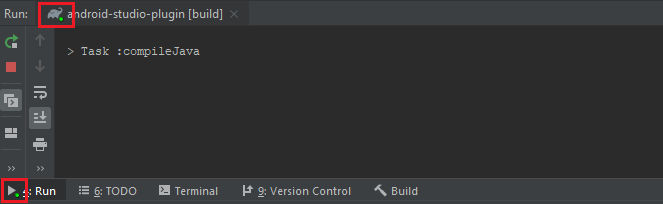
It's a small thing, but how can I add the little green circle that every other tool window has while a process is executing to my own tool window?
I am displaying the output of a Runtime.exec() command, so it would have to be green/"active" while that command is still running.
Thanks
Please sign in to leave a comment.
com.intellij.execution.runners.ExecutionUtil#getLiveIndicator(javax.swing.Icon, int, int)
Thank you very much for all your help Yann!
Hi Yann, that method is exactly what I was looking for.
I am able to set the tool window to the Live Indicator icon at the start of my Action, whose output is piped into the tool window, but I am not able to set the icon back to normal. This is because I get the error
I understand why this is, but have not been able to find a way to fix it. My action should do the following:
1. set tool window icon to Live
2. create and start thread
3. set the icon back to normal once the thread is done
However, I cannot have the Action dispatch thread wait because it would freeze the IDE GUI. And because of the error, I cannot setIcon() from the end of the thread.
Are you able to offer me any advice? How does IntelliJ solve this? Thank you very much.
It should be possible to set the icon via com.intellij.ui.GuiUtils#invokeLaterIfNeeded(java.lang.Runnable, com.intellij.openapi.application.ModalityState) called from the thread created in (2) - just before it finishes.
Thank you so much, that works perfectly!