how to set back file display?

I accidentally set my project into the mode that all files in the project are disapeared in the project files menu. and only showed in the upside bar as:
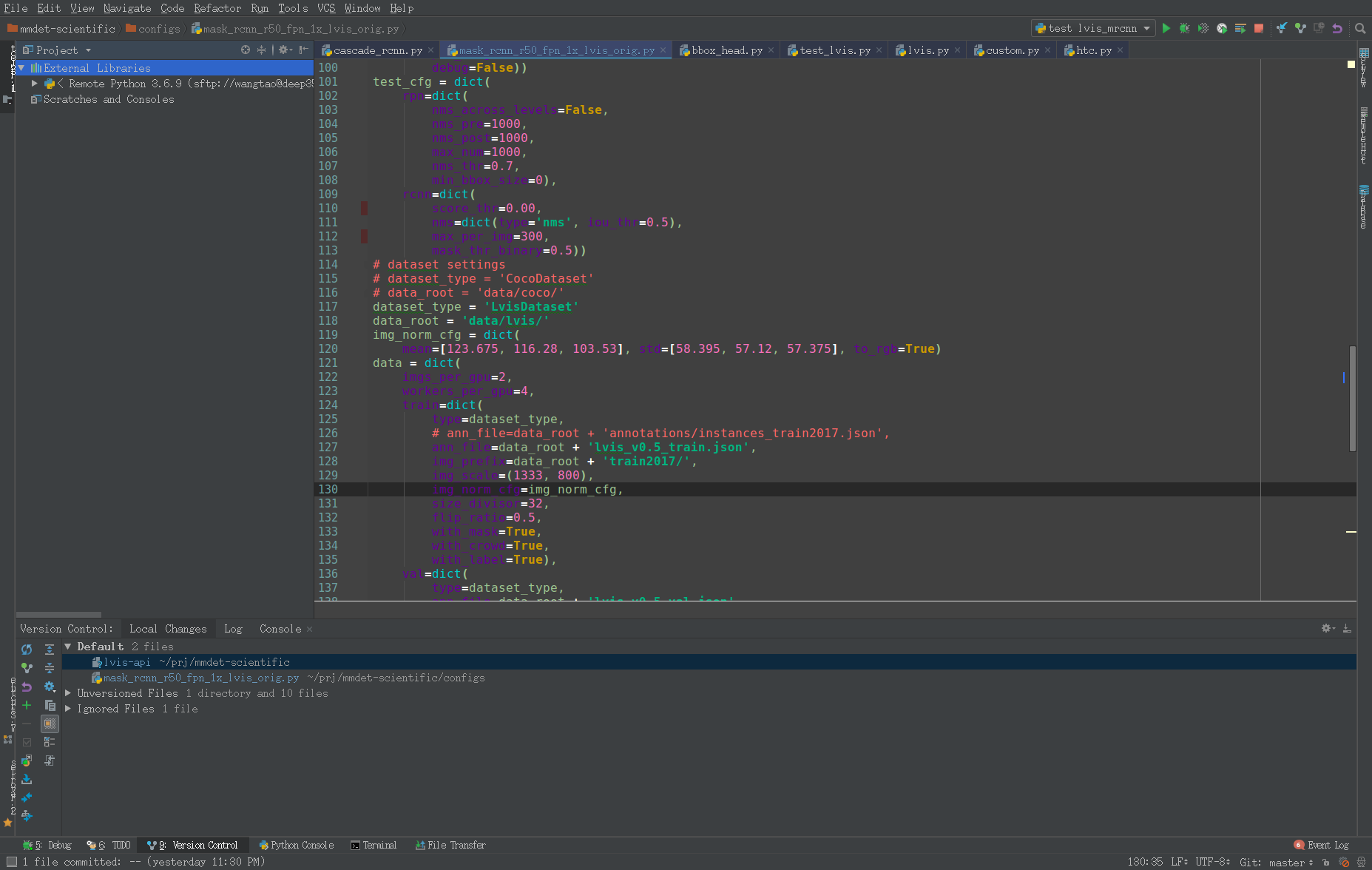
normally a project should have the view:
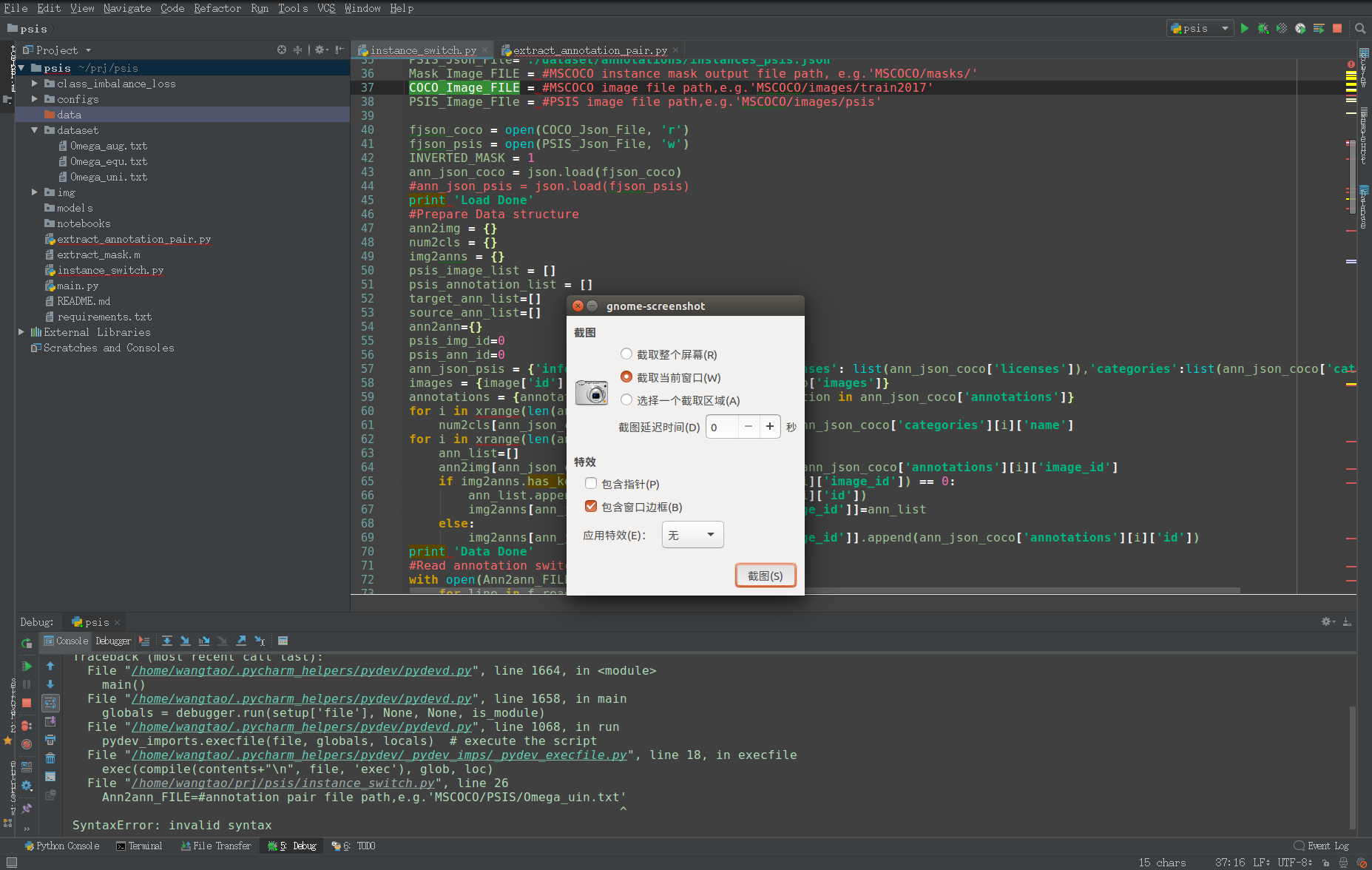
I'm wondering how should I set it back to normal display?
Thanks!
Please sign in to leave a comment.
Hello,
It seems like the whole project was excluded.
To revert the changes back, switch to the "Project files" view. Find the project folder, right-click and "Mark directory as" - > "Cancel exclusion"
Let me know if it helps.