I cant use run.

I use windows 10
I installed Python 3.8.0 with everything checked under customized installation and pycharm-community-2019.2.4.
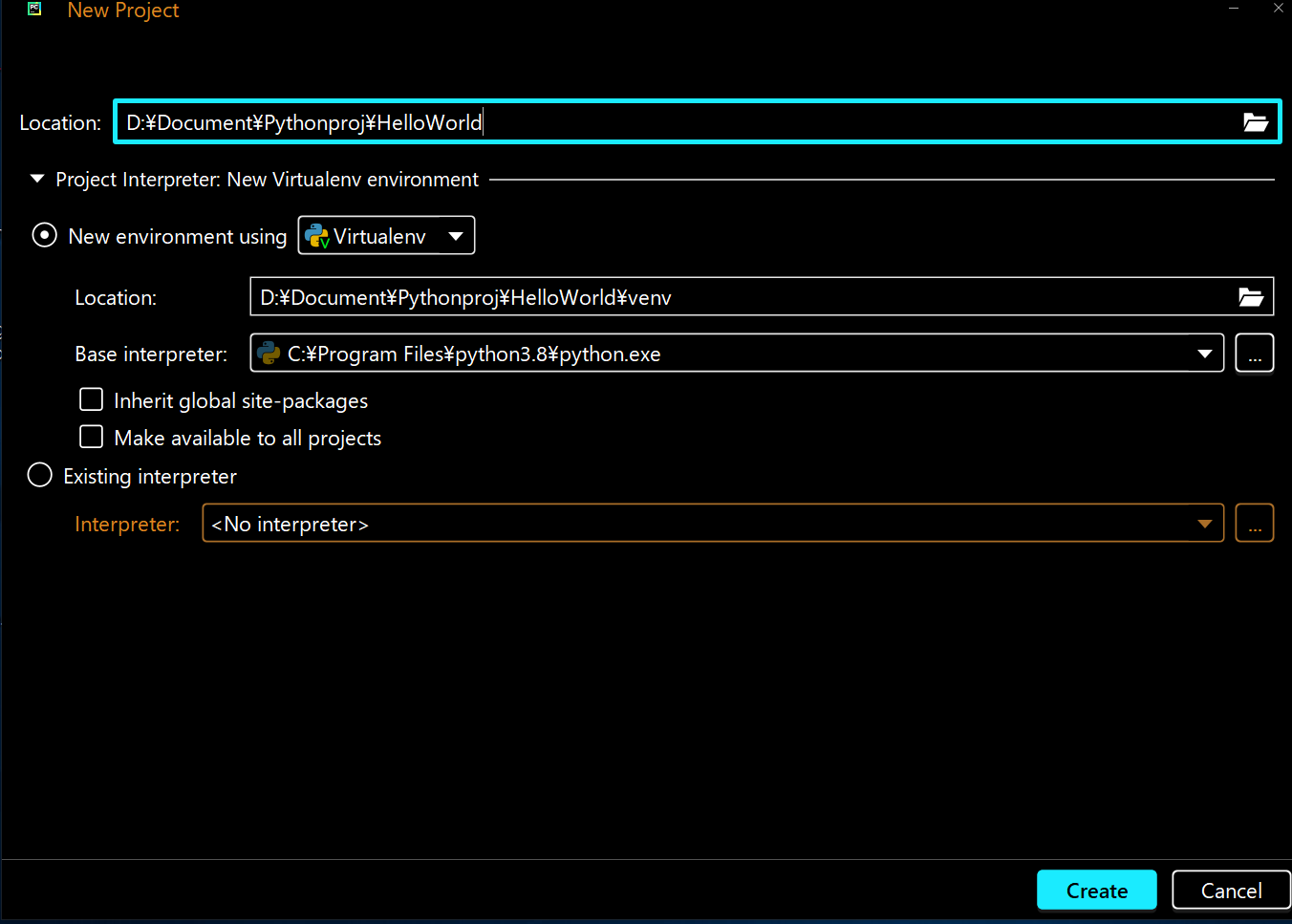
I set the right path of python.exe on base interpreter.
I even accepted these two on firewall and antivirus.
I cant use run or debug nor some menues but I can run the py file through the terminal if i type the file name.
How can i do to enable those menues? I'd like to use shortcut keys to run...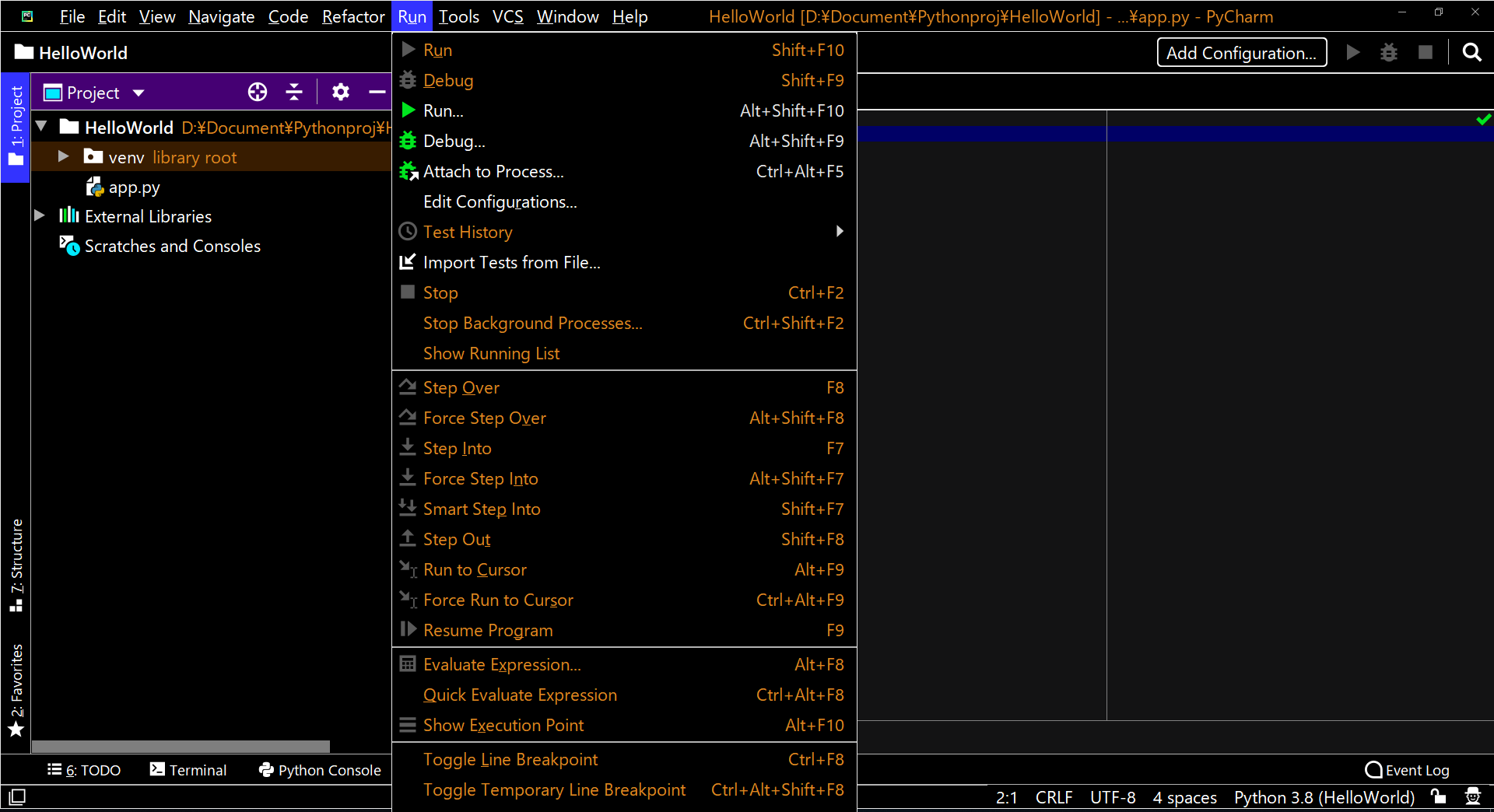
Please sign in to leave a comment.
Hi,
You probably need to create the run/debug configuration first:
https://www.jetbrains.com/help/pycharm/run-debug-configuration.html