POM file all red & dependencies not being recognized, yet Maven still compiles normally

I've found a few similar threads and tried the following:
- Restarting IDE
- Invalidating Caches/Restart
- Changing Maven directory in settings
- Re-importing Maven projects
- Deleting the folder in the local m2 folder and re-importing
None of which has worked. This issue started happening in the second-last IntelliJ release. I updated my Maven installation at first, although that did not fix the issue.
How the POM file looks (some things are redacted for privacy):


When hovering over a tag, the error is "Cannot resolve symbol 'name'"
Dependencies are not found in any class:
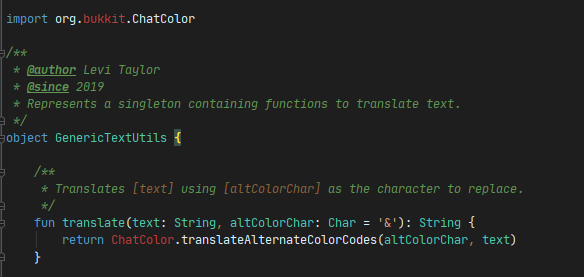
The repository providing some of the artifacts is 100% working. This was all working fine until a couple updates ago. This is happening in all of my projects, not just Kotlin projects.
Note: in my other projects, the POM is all red but IntelliJ still indexes dependencies fine in classes. In this project, and some others, it doesn't.
I'm absolutely stuck on what's wrong, however when I run commands in the terminal to build the project manually (or even using the Maven sidebar that IntelliJ provides) it builds fine without any issues. To clarify, this project only has one module.
Please sign in to leave a comment.
Fixed, I had three IntelliJ plugins that needed updating (Python, NASM Assembly Language, and Kotlin) for some reason updating those plugins fixed the issue and everything is now normal.