Spring Boot - main class name
Answered

Using version Ultimate 2019.3, if I create a new Spring Boot application (or open an existing one) which has a main class called 'Application' (and stored in 'Application.java), Intellij gets confused and thinks that the Application.java file needs to be decompiled. Run Configurations can't find the main class and there is general havoc. If I rename the class to something else, all seems to work. This was not the case in version 2019.2. I'd rather not change the name of the classes since we have dozens of microservices with this condition. Any ideas for a workaround? I'm thinking this is some kind of a bug though.
Please sign in to leave a comment.
Hello,
I couldn't reproduce the issue on my side with newly created project and renamed main class. Is it possible to share sample project example for investigation?
I'm checking the company policy about transferring files but in the meantime here is a screenshot. As you can see, it's a project with mostly just the defaults.
Also, here is a snippet from the Intellij log that might be useful. I'm guessing this got logged when the Application.java file was opened.
Jim,
Your project wasn't detected as Maven project, so "src/main/java" wasn't marked as sources root. There is "Non-managed pom.xml file found" message in status bar. Please click on it - "Event log" will open and there will be a link to add pom.xml as maven project.
Yes, good observation. This project was the minimum that I could create that exhibited the issue. After making the project a 'Managed' Maven project, all of the original issues remain. And of course all of the existing projects we have are properly set up and we've been coding in them for some time.
Jim,
Is it possible to share your sample project?
Yes, I have approval to share the demo project. Does this forum allow uploading a zip file?
Jim,
Please use one of the following:
Great. I used the JetBrains Uploads Service. It didn't give me a link or anything to the file, but it's called demo.zip.
Thanks!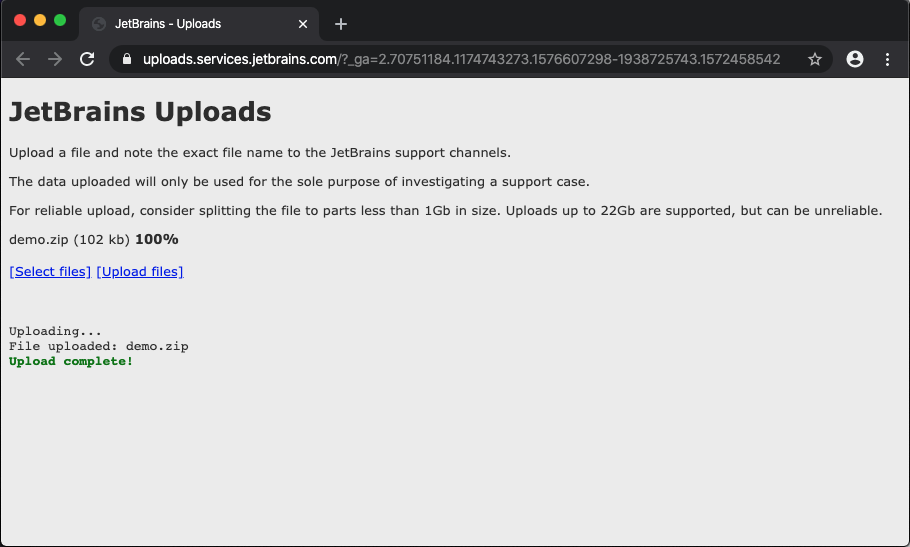
Could you please attach screenshot with project tree after adding project as Maven? Provided project runs fine on my side (after changing
Here is the screenshot after setting up Maven. I was unable to open the Application.java file in the IDE to make the change you mentioned, but I could using an external editor. However, it did not fix the problem. Just to be clear though, the application does run.
Was the information I provided helpful in recreating the issue?
Jim,
Please check that "Application.java" isn't associated with "Java class" file type in "Settings/Preferences | Editor | File Types"
Yaroslav,
YES! That was the problem! I removed the association between "Application.java" and the "Java class" file type and the odd behavior ceased. I will give my team mates the solution immediately!
Thank you very much.
I don't know how that association was made. I'm sure that I did not enter it manually.
Jim,
You are welcome!