building tips class not found with IntelliJ Platform sdk
Answered

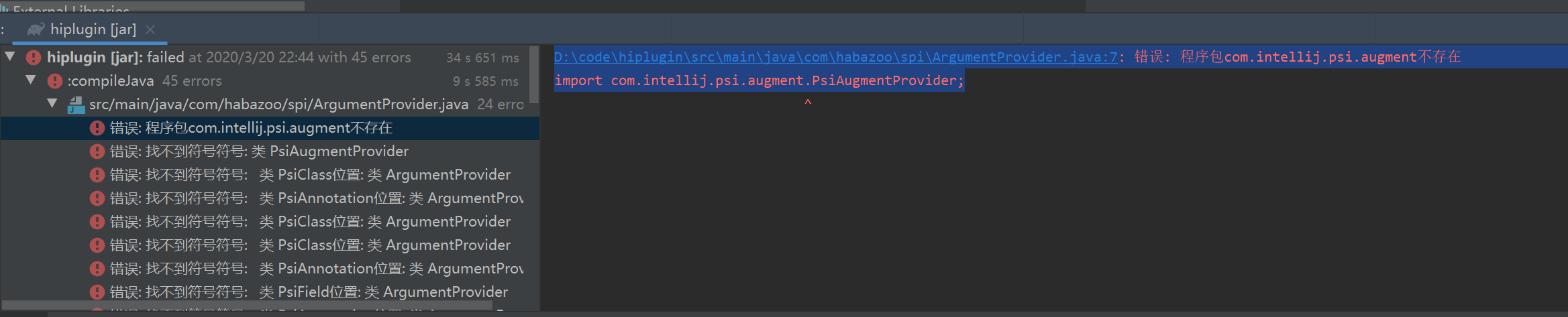
make a idea plugin with gradle project,when run jar command ,show me D:\code\hiplugin\src\main\java\com\habazoo\spi\ArgumentProvider.java:7: 错误: 程序包com.intellij.psi.augment不存在 import com.intellij.psi.augment.PsiAugmentProvider;
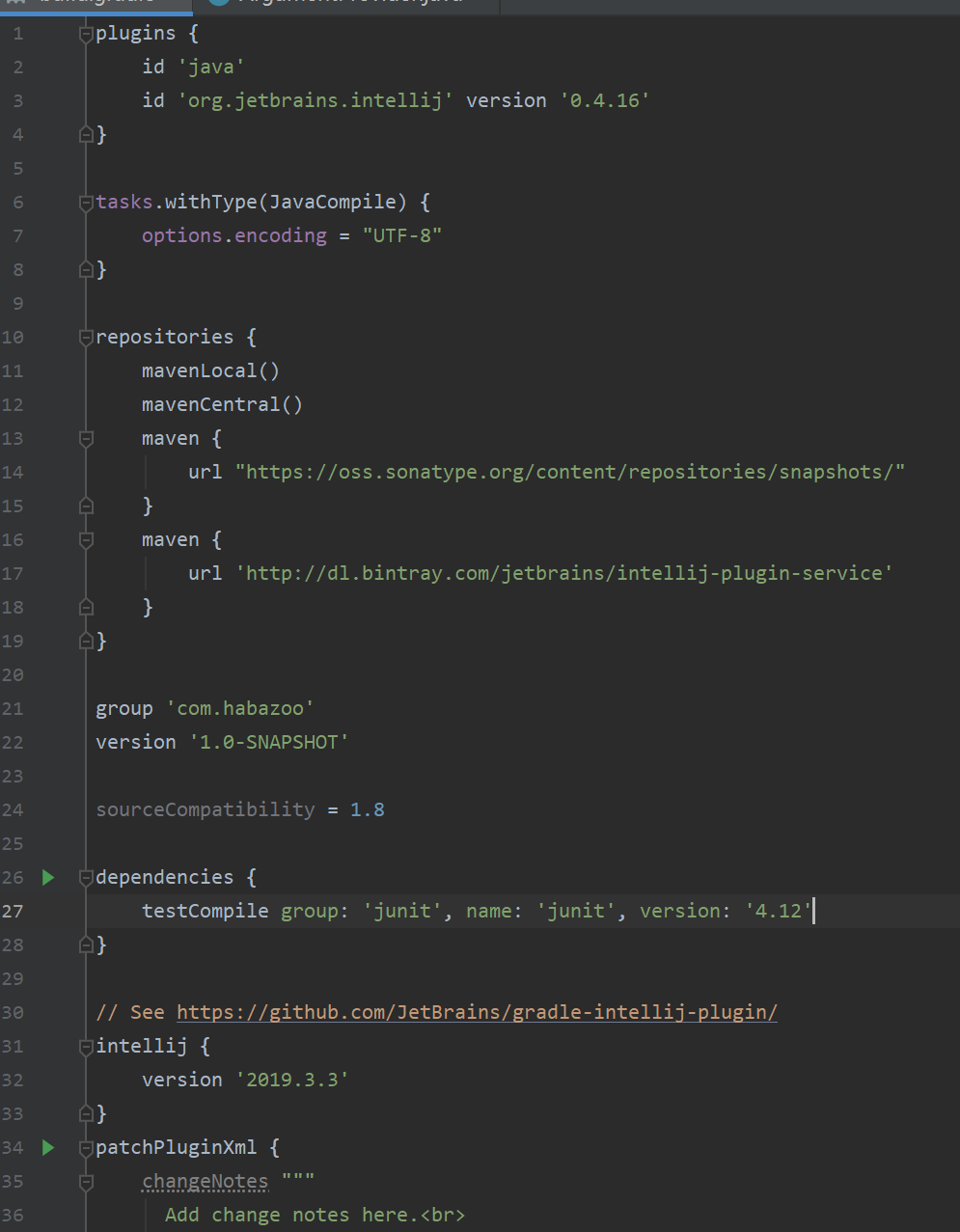
can't find class , i guess my gradle setting is wrong ,first time use it ~
any genius can help me?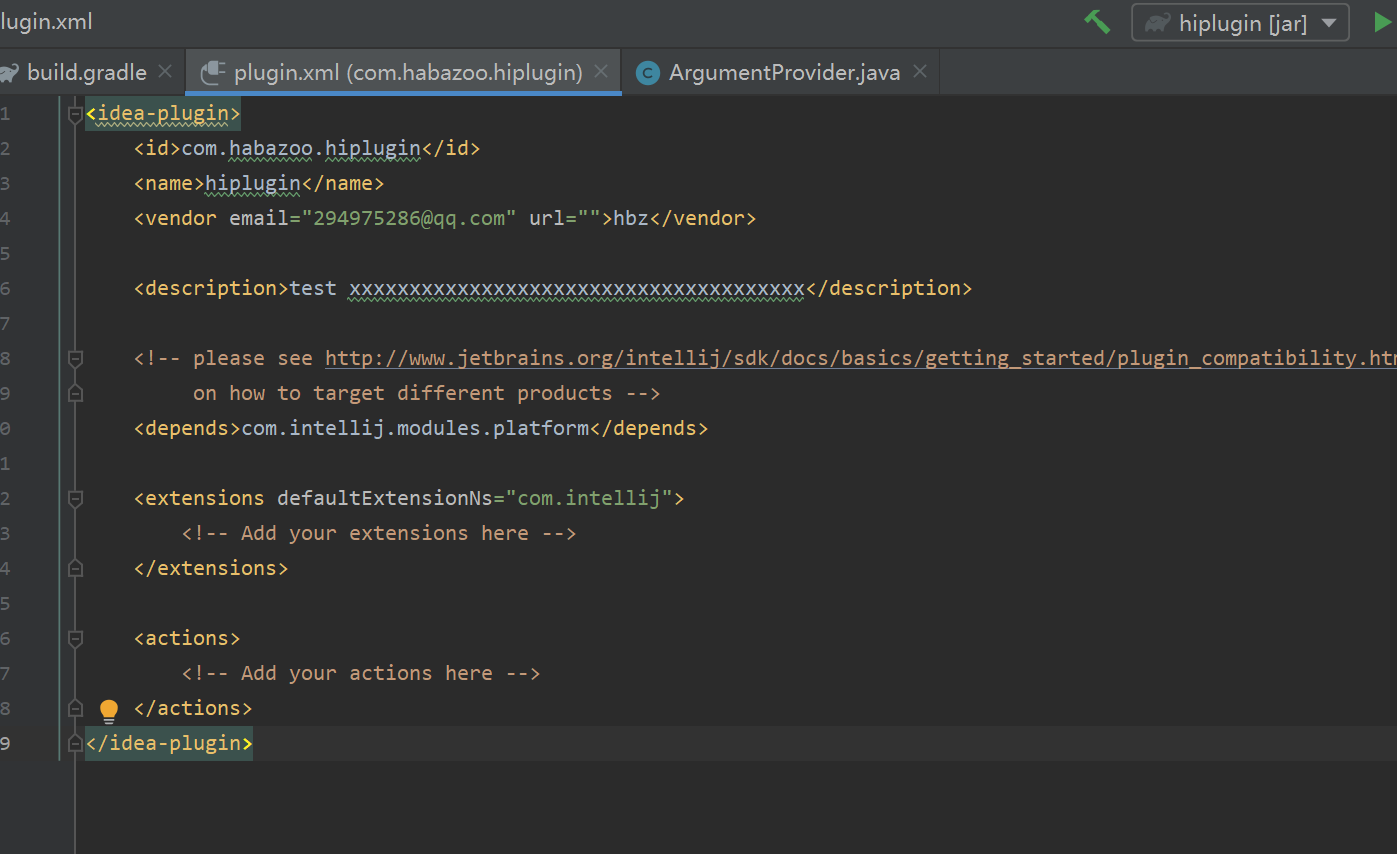
Please sign in to leave a comment.
You need to add java plugin in your Gradle configuration and plugin.xml definition.
Please refer documentation - section related to the Syntax for 2019.2 and later releases.
3qvm,i checked my Gradle configuration and plugin.xml compare with lombok , finally it's work