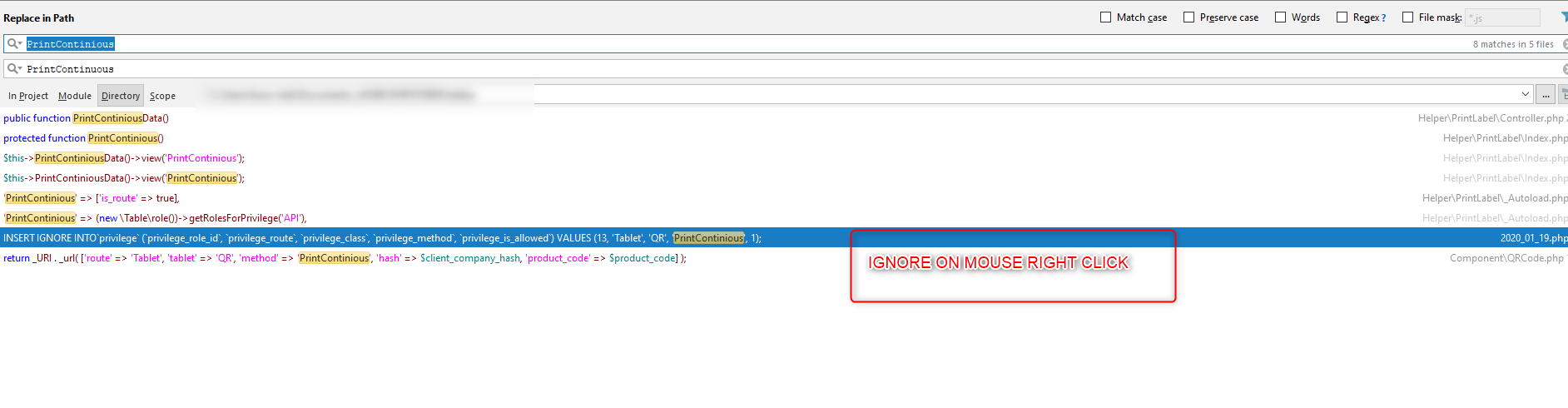
The Find/Replace in Path popup is just a preview (shows TOP 100 matches only).
Please use "Open in Find Window" button at the bottom -- it will open ALL found matches in dedicated tool window. There you can remove any lines/matches you want and then use "Replace All" from there (worked fine for me in the past).

Hi there,
The Find/Replace in Path popup is just a preview (shows TOP 100 matches only).
Please use "Open in Find Window" button at the bottom -- it will open ALL found matches in dedicated tool window. There you can remove any lines/matches you want and then use "Replace All" from there (worked fine for me in the past).