WebStorm keeps opening a file called lan.js on system start up & ignoring reopen on startup settings

Please sign in to leave a comment.
Please sign in to leave a comment.
How do you open the IDE, do you pass any arguments to the launcher?
Please try starting it with default settings (File > Manage IDE settings > Restore default settings) - does the issue persist?
im not opening the IDE, its opening itself at launch, startup applications do not contain webstorm.
also seems im on an old version of webstorm, im gonna update to 2020.1 and see if it solves my issue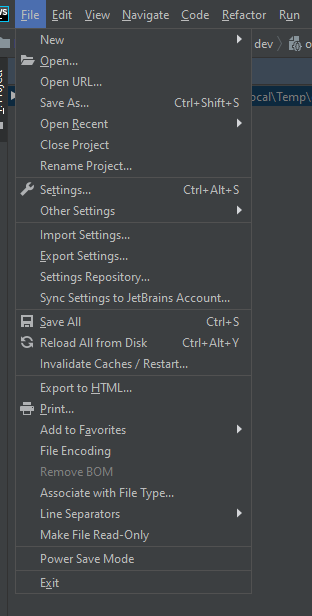
You must have some system startup scripts configured that run the IDE passing this file to it; I'd also suggest checking your OS files associations - what program do you have `.js` file extension associated with?
Note that WebStorm itself doesn't provide any means for registering it as a startup task, you must have done this yourself somehow