WebStorm can't access and execute specific clauses on Evaluate Expression when debugging

Dear WebStorm Community,
I am try to debug a test written with chai on TypeScript.
When I try to access and evaluate specific function to see what it's returning, I have error of "Reference Error: bind is not defined".

For evaluate specific expression like what functions should be return It seems to me I must to separate them to variables to see in the debugging time their values.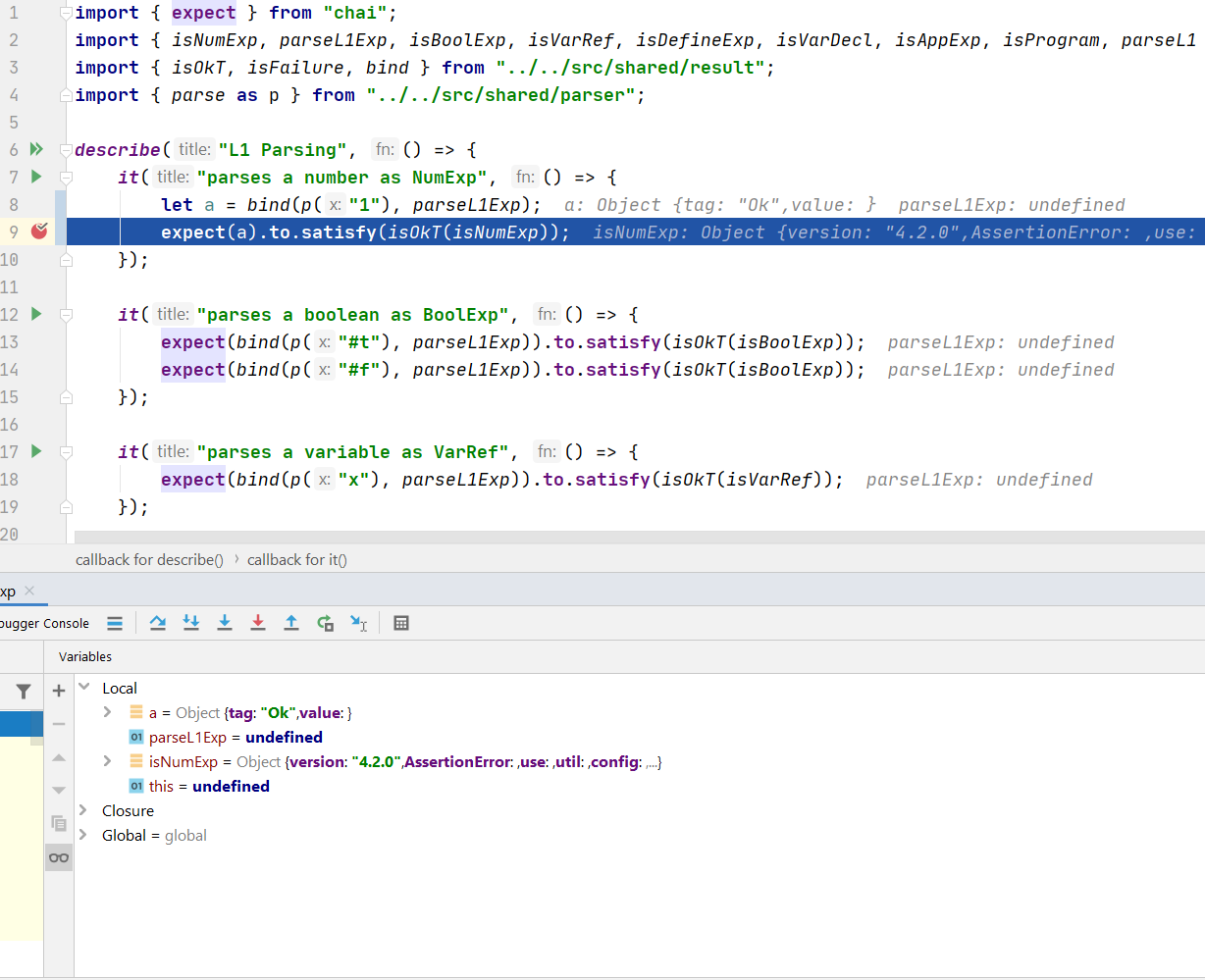
Run/Debug Configurations:
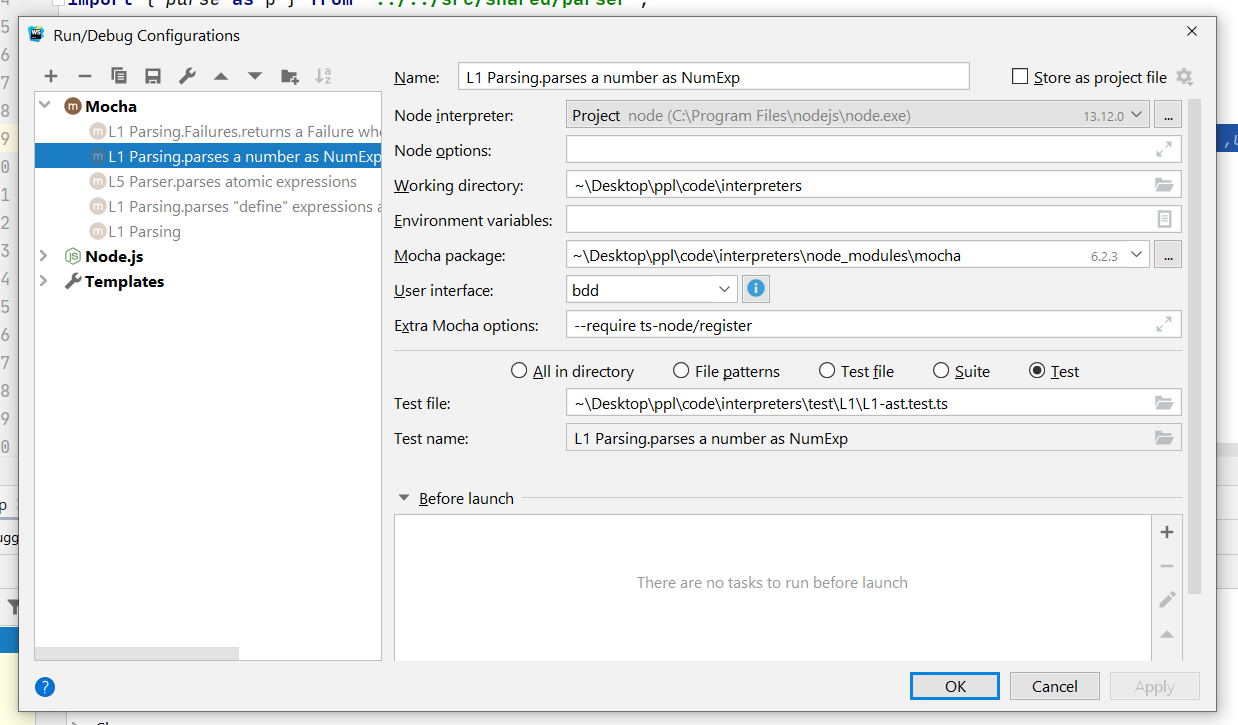
How can I solved it if it can be?
Thanks.
Please sign in to leave a comment.
undefined variables while debugging are usually caused by wrong/missing name mappings in sourcemaps: if the variable is renamed while transpiling/obfuscating, and no appropriate name mapping is provided, the debugger won't be able to match variable in source code with the one in VM.
For example,
import somefunction from './somefunc'is usually compiled toand no name mappings are generated (
"names":[]in generated sourcemap), so the debugger can't match the variable in .ts file with the code in runtime and showsundefinedand the Typescript compiler doesn't generate name mappings, see https://github.com/microsoft/TypeScript/issues/9627
Is there a way around this?
Simply debugging without seeing the variables makes it extremely difficult to work and lowers all WebStorm ability as an IDE and I know it's not WebStorm fault.
Normally assigning a value to some var and then evaluating this variable works