Code Inspector and auto complete is not working since the update #202.6397.94
Answered

Hello,
unfortunately my snap did an update to my Intellij and messed up all my configs and the hector is not working / disappear
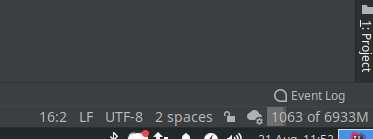
the auto complete is not working (i tried PHP, python, JS)
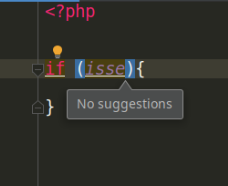
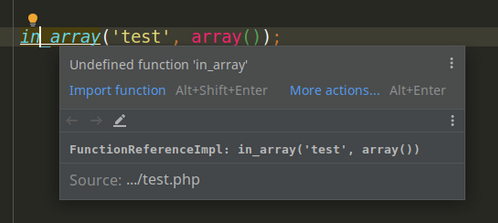
any ideia how to fix it?
EDIT:
i dont have time to lose, so i downgrade the intellij to 2019.3...
i will leave this here, maybe someone have the same issue
Please sign in to leave a comment.
> hector is not working / disappear
It is expected behavior. We moved the hector responsibilities to the widget settings. To configure the highlighting level for the current file, you can use the inspections widget in the top right corner of the editor.
> the code auto complete is not working (i tried PHP, python, JS)
Make sure you don't have File | Power Save Mode enabled. Will the problem reproduce with the latest version from https://confluence.jetbrains.com/display/IDEADEV/IDEA+2020.2+latest+builds?
If the issue remains, please restart the IDE, reproduce the problem by performing the auto-completion action and upload a log folder compressed.
The files can be uploaded at https://uploads.jetbrains.com/. (please specify the Upload ID)