Change to one quote at each side instead of two

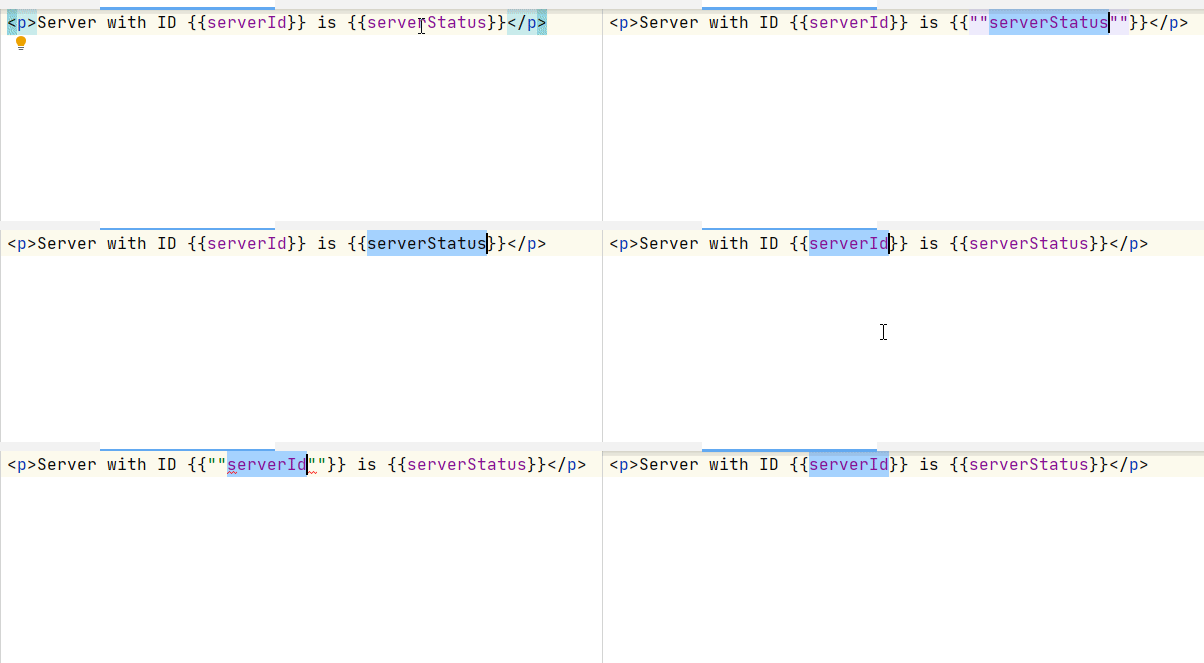
When I highlight any word and click the CTRL+quotes key twice it gives me two quotes at each side I would like to change it to one quote at each side, how can I do that?
Upload id: 2020_10_05_SFsGV75xm2QEt3UU (file: G3r2Zrd[1].gif)
Please sign in to leave a comment.
What is CTRL+quotes key, what action do you have it assigned to?
You must have Surround selection on typing quote or brace option enabled, so, each time you type a quote, selection is surrounded by quotes. If you hit quote key twice, you will have 2 pairs of qoutes added
Thank you for your answer.
I'm sorry I do not know how else to call this key: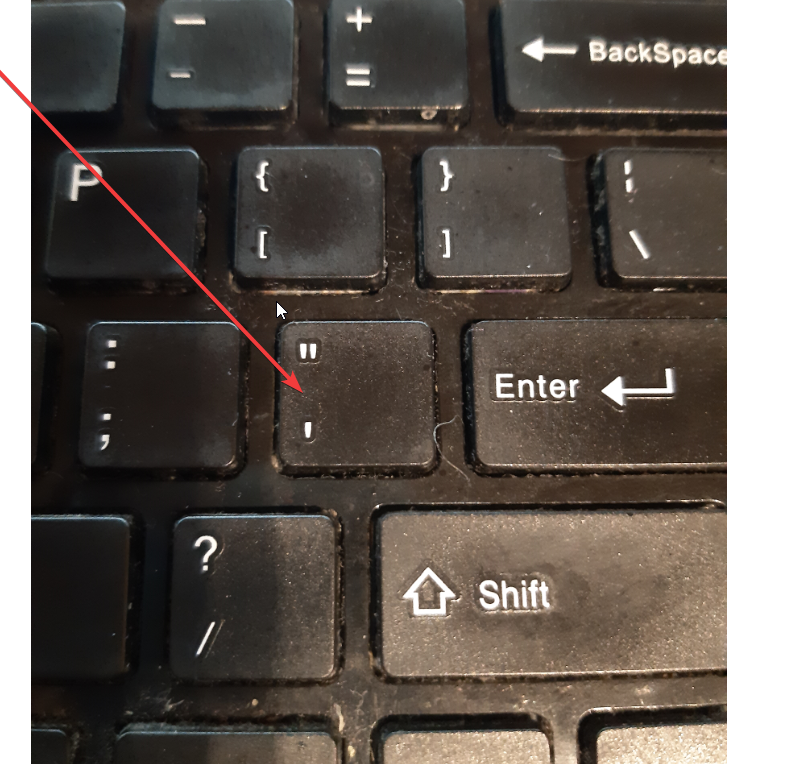
Usually, when I ctrl+quotes key twice it gives me two quotes. But as you see in the gif when I highlight a word and do the same it gives me two quotes at each side of word, I would like to get one quote at each side as it normally should be.
do you have any special reason for hitting the key twice? Typing it once is enough to get the selection surrounded with quotes
Hitting once does nothing for my keyboard layout. I have a Latvian standard query keyboard layout. And just tested with ENG it works fine. :(
Is there any setting?
looks related to https://youtrack.jetbrains.com/issue/IDEA-102514; what OS are you on?
I'm on windows 10, but I guess it happens because this quote key is used by default I'm my layout to get true Latvian letters like ā ī ņ etc. When I press it once and do any this letter it gives me such letters.