[PhpStorm 2021.1.2] Xdebug not work in PhpStorm

Hi,
using PhpStorm 2021.1.2
Build #PS-211.7142.44, Bouil on April 30, 2021
PHP version:
PHP 7.3.28 (cli) (built: May 13 2021 06:09:33) ( NTS )
Copyright (c) 1997-2018 The PHP Group
Zend Engine v3.3.28, Copyright (c) 1998-2018 Zend Technologies
with Xdebug v3.0.4, Copyright (c) 2002-2021, by Derick Rethans
with Zend OPcache v7.3.28, Copyright (c) 1999-2018, by Zend Technologies
With Xdebug v3.0.4
This works on Mac, macOS Big Sur, version 11.3.1.
The problem.
Xdebug will not launch from PhpStorm.
Here are the issues:
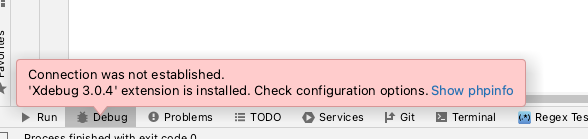
After starting via the "Debug" sign, I get the following error message:
Connection was not established.
Cannot start debugger session with 'Xdebug 3.0.4' Validate installation
If I click on the link "Validate installation", I get the following message:
Connection was not established.
Xdebug 3.0.4' extension is installed. Check configuration options. Show phpinfo
The question.
Which settings are wrong / not correct?



Thank you very much in advance.
Please sign in to leave a comment.
Hi there,
1. What are yuo trying to debug: a CLI script or a web page?
2. Please provide whole Xdebug section of the "phpinfo()" output captured in the same way you are trying to debug
3. Show your Xdebug setting from PhpStorm Preferences (PHP | Debug)
4. Your "PHP Information" screenshot shows that default 9003 port is used (default for Xdebug v3) while your command line (last screenshot) shows that it's 9000 port (default for Xdebug v2). Check the port settings (will be in answers for #2 and #3)
Just in case: It's Xdebug that connects to IDE and NOT other way around.
Hi,
>1. What are yuo trying to debug: a CLI script or a web page?
CLI
>2. Please provide whole Xdebug section of the "phpinfo()" output captured in the same way you are trying to debug


Here are just the last two outputs of phpinfo() from PhpStorm, if you want to see the rest, let me know and I'll upload them.
>3. Show your Xdebug setting from PhpStorm Preferences (PHP | Debug)


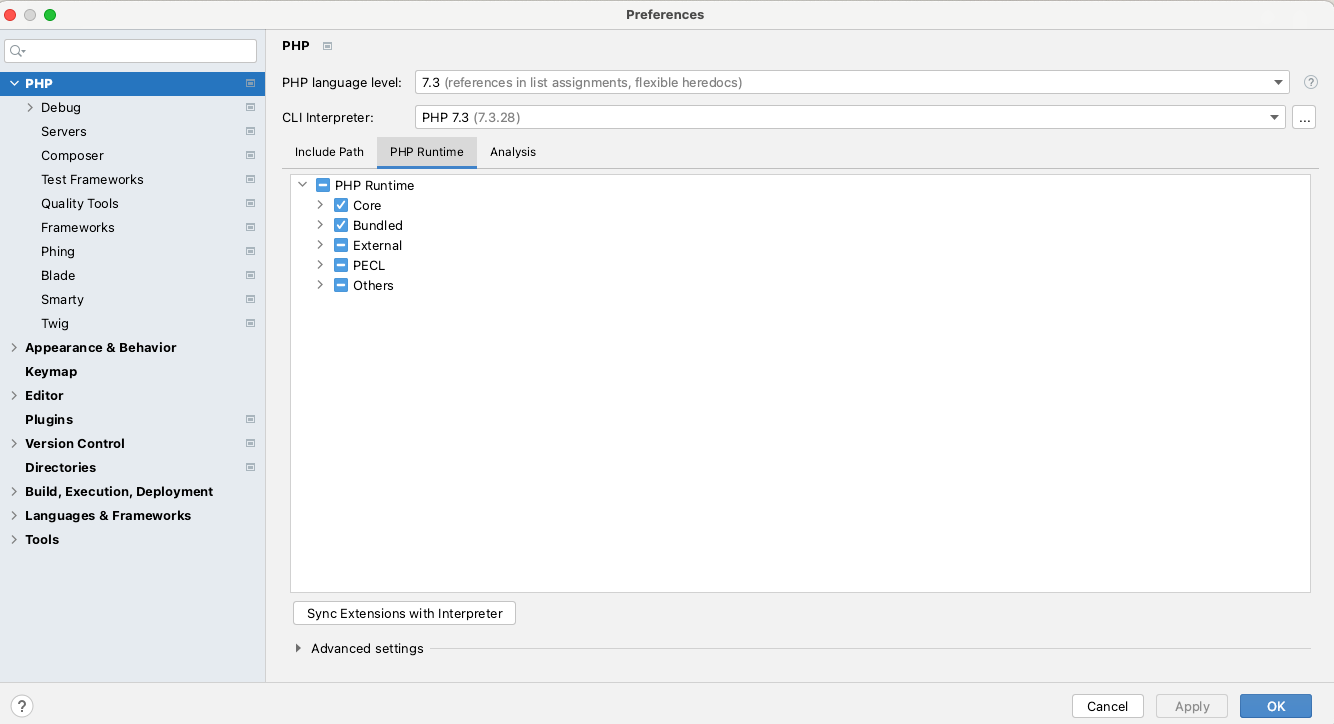
Hi,
I just compared the settings of my PhpStorm and my colleague and started the debugger and it works!
Suspect the point:
is switched off.
Apparently, that was the cause.
Thanks for the support.
@sbvl
That option is for Zend Debug and should not be affecting the Xdebug functionality. If it helped -- great and good to know. But I think it actually migth be something else that was refreshed meantime.
Glad that you made it working. 👍
You can try these steps from this blog: links
It help me solve the issue, my mistake is added the debugging folder to exclusive so it return error when i put breakpoint to that folder.