How do I get JBEditorTabs to support closing with a close button?
Answered

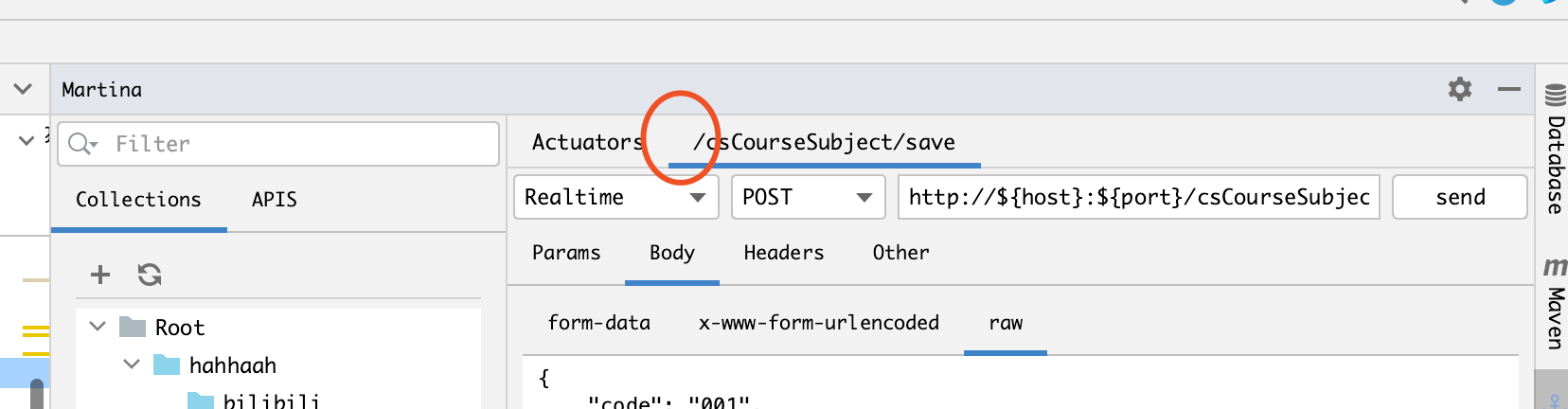
I want my TAB to support a close button or some custom action. How do I do that?
Please sign in to leave a comment.
See com.intellij.ui.tabs.TabInfo#setTabLabelActions
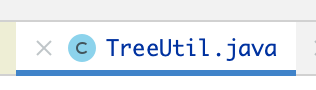
Yann Cebron Thank you very much. And I would like to ask again if there is a way to make the icon change when the mouse is put up, just like a hover event? Just like the tab in the IDEA coding area
current:
and with the mouse on the icon: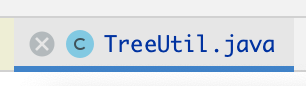
Yann Cebron oh, I found out where the hover can be set, it can be set inside the action class, like below:
public class CloseTabAction extends DumbAwareAction {
   private Project project;
   public CloseTabAction() {
      getTemplatePresentation().setText("Close Tab");
      getTemplatePresentation().setIcon(AllIcons.Actions.Close);
      getTemplatePresentation().setHoveredIcon(AllIcons.Actions.CloseHovered);
   }

   @Override
   public void actionPerformed(@NotNull AnActionEvent e) {
      this.project = e.getProject();
      //...
   }
}