How to show column comments in table headers in DataGrip/IDEA
Answered

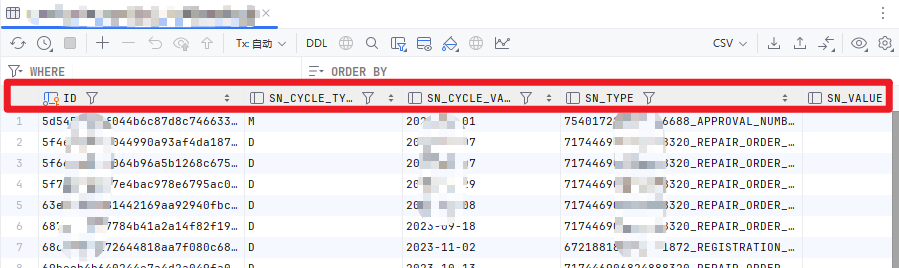
How to show column comments in header of Data Editor(the red‑boxed area in the screenshot) within DataGrip/IDEA
Please sign in to leave a comment.
Hi,
The column comments are currently shown when you hover over the column name:
We have a related feature request to display column comments directly in the data viewer: DBE-23749. You can follow it for the updates.