How to move project menu to the right?
Answered

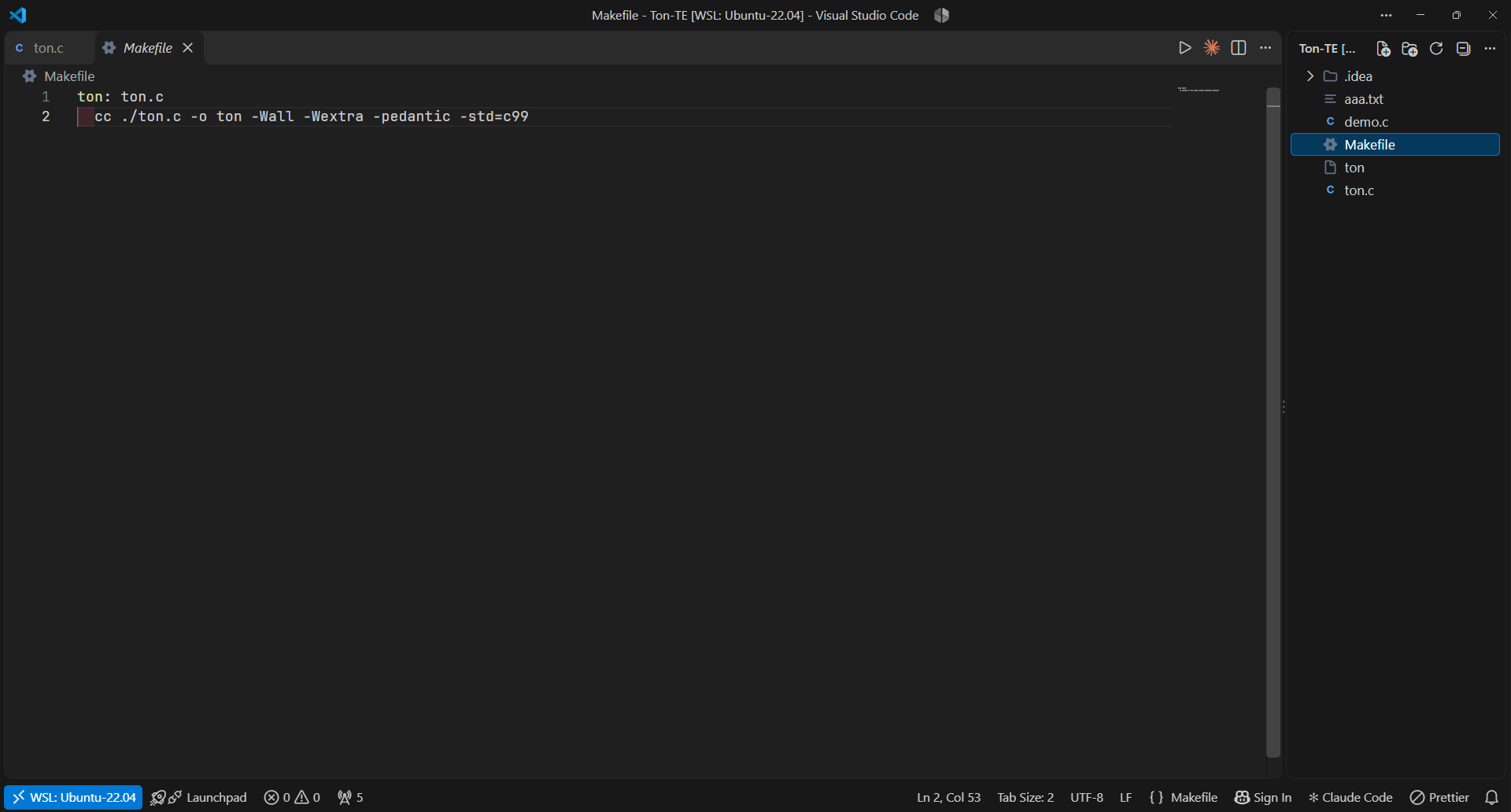
I'm usually use VS Code, but I am starting to dabble in Jetbrains IDEs as a whole, and one thing that annoys me a bit is that the “Project” menu is always on the left by default and I like to set it on the right, like I do in VS Code (image below). Is there any way to make the default position of that menu to be the right side of the screen instead of the left?
(Yes, I know I can just drag it to the right bar when I open a project, but I'd rather have it just be there as soon as I open the project)
Please sign in to leave a comment.
Hi Rafaelvb!
You can save the preferred arrangement as a named tool window layout. New projects will open with the layout that you saved or applied last.
The saved layout becomes the active layout. When you open a project for the first time, the IDE uses the active layout instead of the factory Default layout.
Projects that you opened before keep their own stored arrangement. To change one of them, go to Window | Layouts, point to your layout, and select Apply.
Refer to the Layouts documentation page for more details.