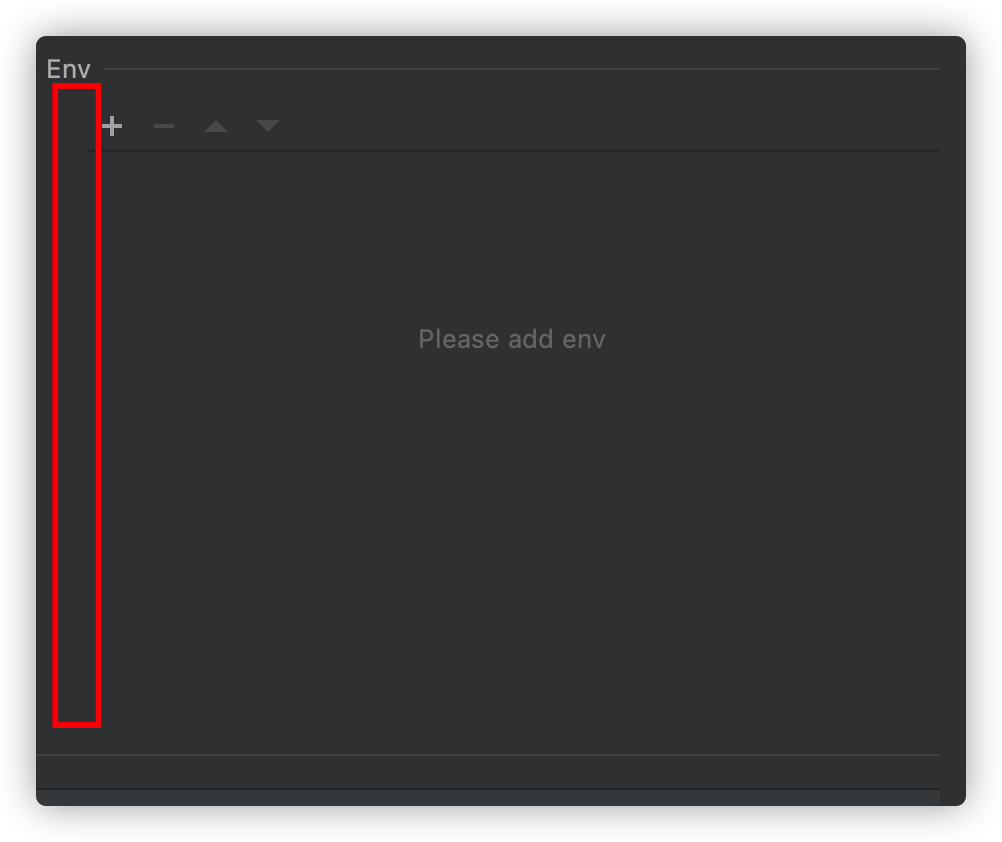
panle create by ToolbarDecorator have a space
Answered

ToolbarDecorator toolbarDecorator = ToolbarDecorator.createDecorator(table);
toolbarDecorator.setRemoveAction(null);
toolbarDecorator.setAddAction(null);
toolbarDecorator.setMoveUpAction(null);
toolbarDecorator.setMoveDownAction(null);
tablePanel = toolbarDecorator.createPanel();
I don't know what reason,all table create by toolbarDecorator have a spacing but not aligin left!
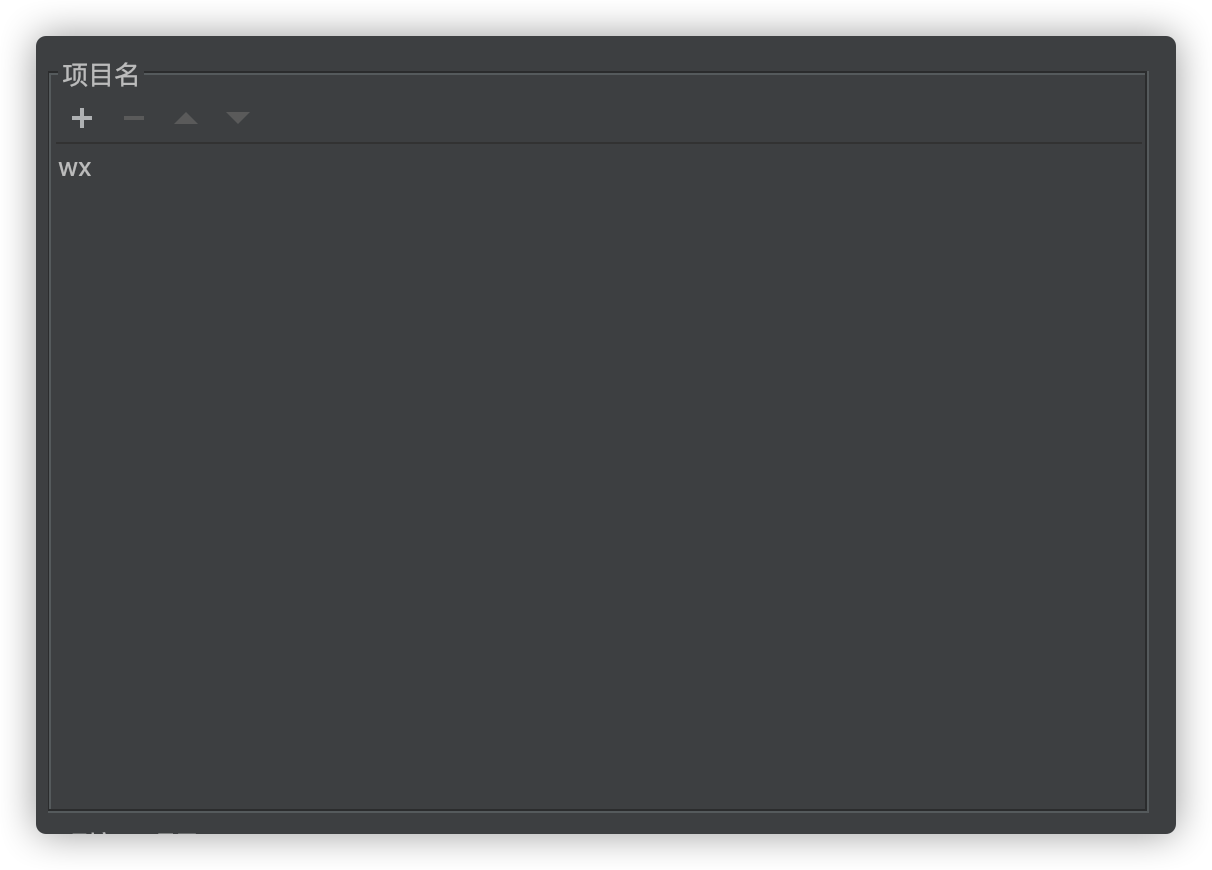
correct effect
Please sign in to leave a comment.
maybe is is not cause by ToolbarDecorator,but i can not find the problem.
all panel have a space before component
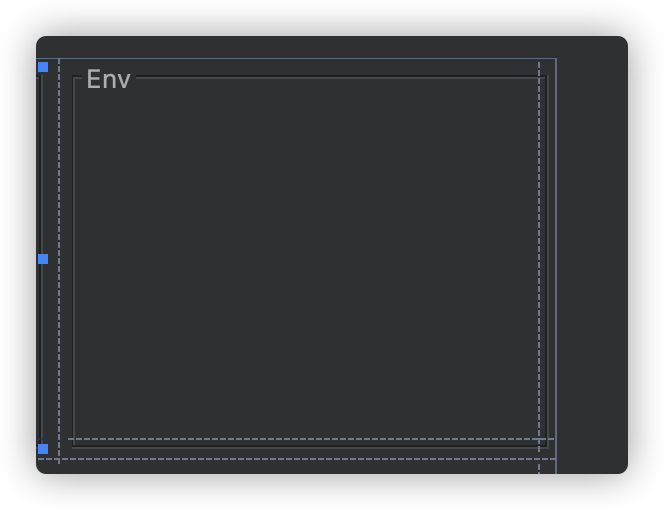
debug the code get the layout, but the Layout Manager is GridLayoutManager in UI designer
right click the UiDesigner and click preview
occur error
code have not change but the ui changed! this is very queer!
I check out the plugin code and run first time is correct,Then click ui designer "show expert properties" and run again ,the panel border disappear!
Please share link to full project, it's most likely related to UI Form. Also consider using Kotlin UI DSL instead of manually designed forms (https://plugins.jetbrains.com/docs/intellij/kotlin-ui-dsl.html)
Thanks,help much!
I delete the xxx.form and create component by code , no space appear!
UI Form maybe indeed have some problems
Thanks to this article! I create a Panel by ToolbarDecorator.createPanel() and use xxx.form to design it. The Panel can't even show up! Then I delete xxx.form and it works.