Zooming in and out the stacktrace in the Debug Window
Answered

Hi,
Is there any way to zoom in and out of Debug Window (stacktrace view more precisely)? I tried to change the font size in | Settings | Appearance & Behavior | Appearance, but this seems to control only the font for buttons and menus.
Thanks,
Tiberiu
Please sign in to leave a comment.
Hi there,
Try the options under File | Settings | Editor | Color Scheme | Console Font:
Hi Arina,
I tried it. As you can see in the pictures attached, that setting changed only the console tab of the debug window. The stacktrace area remained with the initial font size.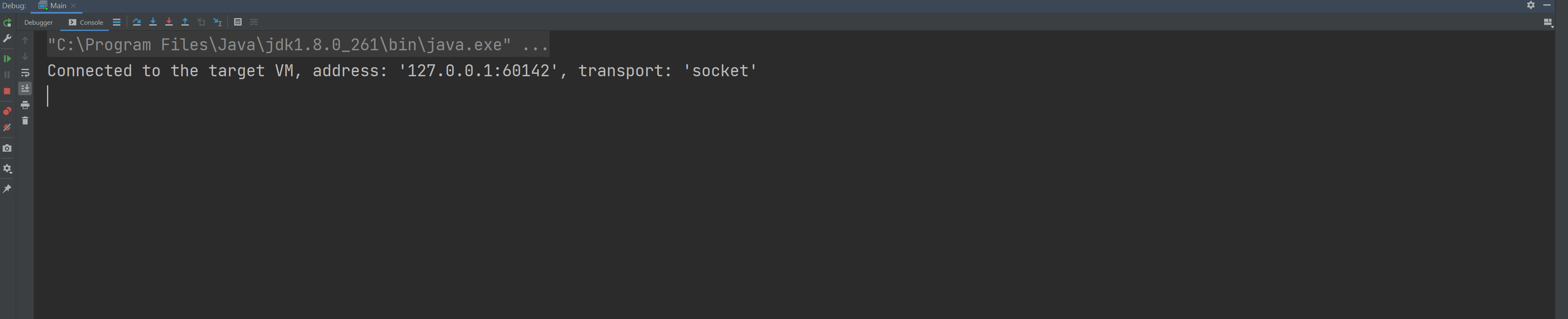

Unfortunately, there is no separate setting for changing the font of the Debug tool window.
You can apply a custom font in File | Settings | Appearance & Behavior | Appearance which will apply to the entire IDE, debugger included.
Even that setting doesn't change the font size of the stacktrace elements themselves. It impacts only the buttons and menus.
It does for me. In the picture below, I set custom font to be Segoe UI, 16pt, and all elements of the Debug window were enlarged accordingly:
Did you try to restart the IDE after applying the change?
What version of the IDE are you on?
You're right, after restarting the font size change is visible for debug stacktrace elements as well. Without restart, only the size of buttons & menus was increased.
Thanks,
Tiberiu