Error with Markdown plugin dependency using Gradle Kotlin DSL
Answered

Hi!
I'm having a ClassNotFoundException in my PluginClassLoader referencing classes from Markdown plugin.
Issue was reproduced using a brand new intellij-platform-plugin-template, adding a single dependency with org.intellij.markdown.plugin:
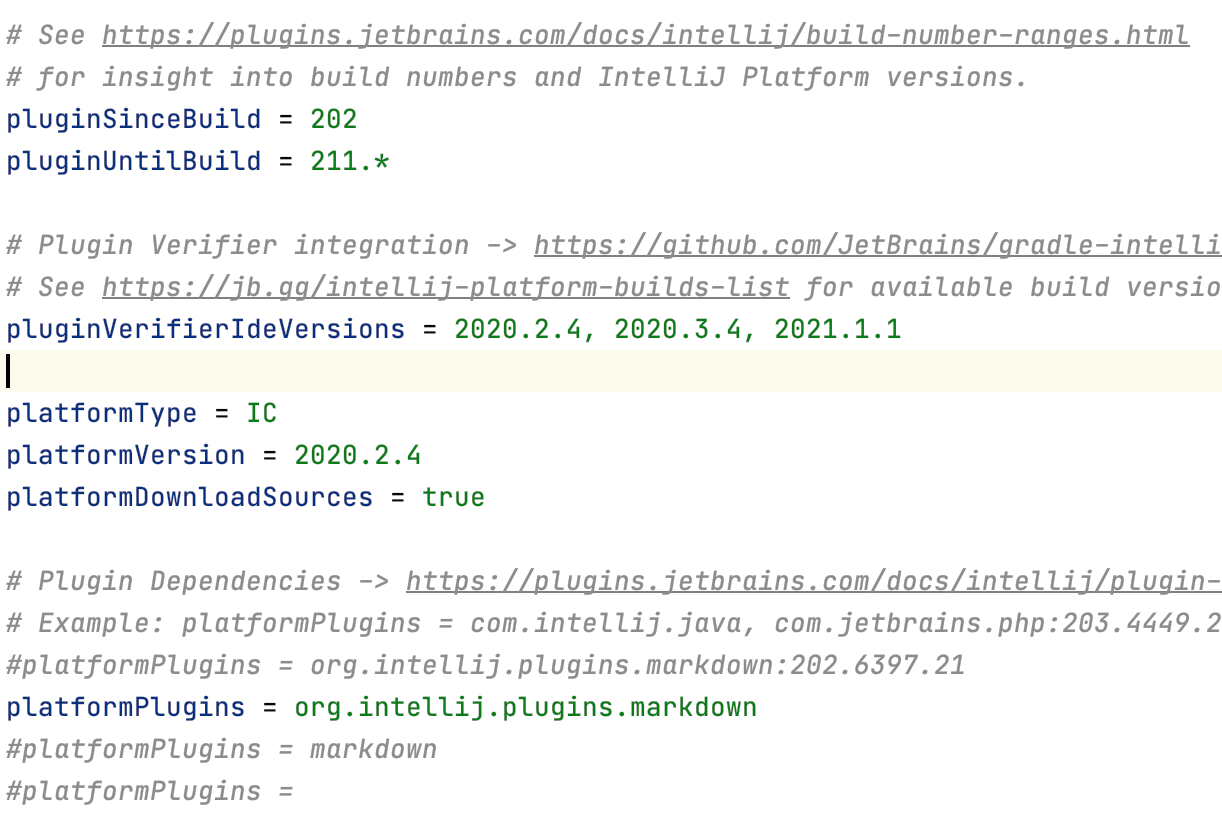
After refreshing gradle, plugin compiles fine, and so verify plugin task.
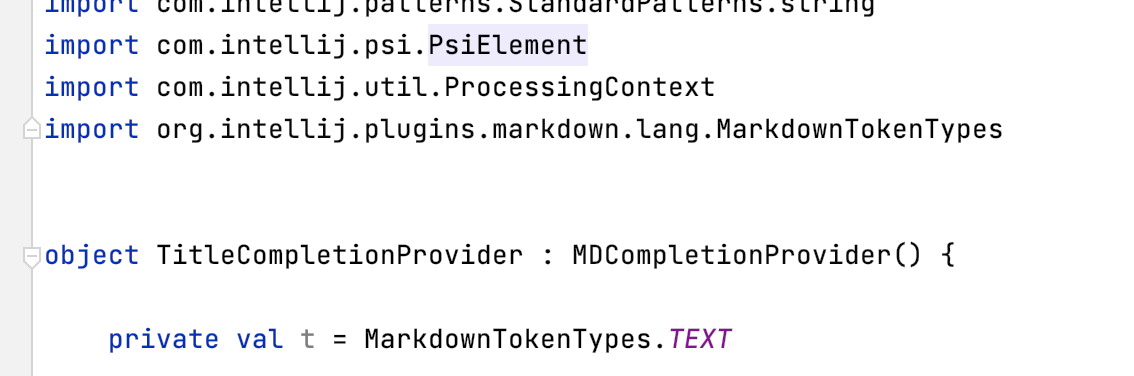
When running plugin, an exception is thrown when plugin code reaches any class from Markdown dependant plugin:
Caused by: java.lang.ClassNotFoundException: org.intellij.plugins.markdown.lang.MarkdownTokenTypes PluginClassLoader[...]

Added external libraries view.
Please sign in to leave a comment.
Pedro, you're trying to use a class from the java module – you have to add com.intellij.java to your platformPlugins list.
Did you add `<depends>` in plugin.xml? https://plugins.jetbrains.com/docs/intellij/plugin-dependencies.html#dependency-declaration-in-pluginxml
The simplest explanation is usually the best one! I was missing the declaration in the plugin.xml... I thought the `patchPluginXml` task worked the magic. Thanks!