Can not find all my project files, but only leave project name
Answered

I seems to become like this autolly, I tried all setting I can think of. Who can help me to solve this problem.
I know that deleting the .idea and reimport project can make use, but I don`t want to delete file and reimport every time when encountering this problem, so anyone have a better way to solve this problem?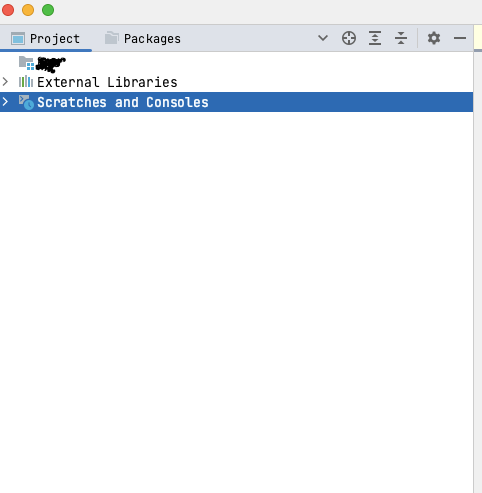
Please sign in to leave a comment.
Hi Charles,
What kind of project is it? Are there multiple modules in it? Do you use Maven or Gradle?
See if it helps to delete not only .idea folder, but also any .iml files in the project's and modules' root directories, then restarting. It may help clear some residual caches related to project structure.
If it doesn't help, please provide the idea.log file (Help | Show Log in...). You can upload it privately to https://uploads.jetbrains.com, and leave the upload id here.