Simple environment for playing with ES7 [SOLVED]

I want to start playing around with ES7 features (async/await in particular). I would like to create a new project that I can use to paste in many of the samples on the web, and step through them in the WebStorm debugger.
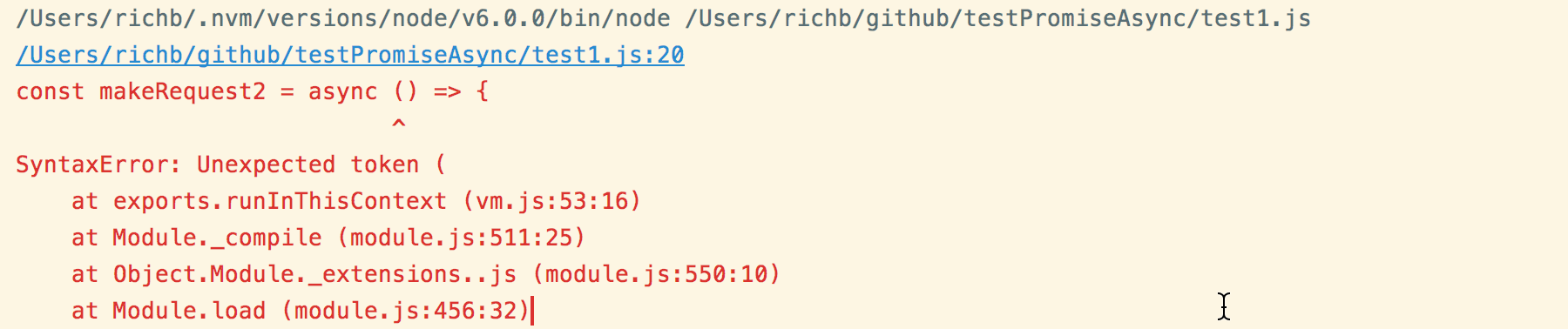
How should I set up my new project? (I tried a new empty project, but get this error...)
I'm using
WebStorm 2017.1.2
Build #WS-171.4249.40, built on April 25, 2017
Licensed to ...
Subscription is active ...
JRE: 1.8.0_112-release-736-b21 x86_64
JVM: OpenJDK 64-Bit Server VM by JetBrains s.r.o
Mac OS X 10.12.4
Thanks!
请先登录再写评论。
Found an answer on my own. Big thanks to Dan Dascalescu at: https://medium.com/@dandv/using-es2016-es7-async-await-with-babel-e758bab1c4d5